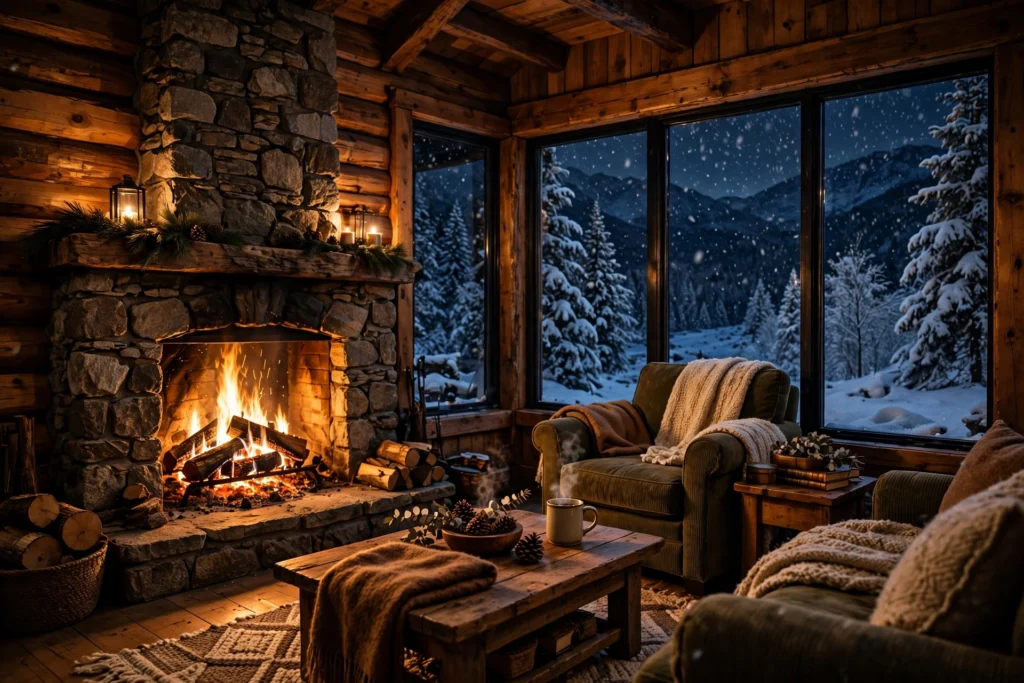
There is something about a cabin in the snow that instantly makes people stop scrolling. These snowy mountain cabin AI video prompts will help you create that exact feeling — warm light in the windows, snow falling softly outside, and a quiet mountain world that feels like a holiday in itself. Whether you are making content for YouTube, Instagram Reels, or a cozy winter brand, these prompts give you ready-to-use scenes that look cinematic without needing a camera, a crew, or a trip to the mountains.
In this post, you will find four complete, copy-paste-ready prompts. Each one comes with a clear visual idea, camera direction, and mood, so your AI video tool understands exactly what to generate. You can use them as they are, or change one or two details — the season, the time of day, or the camera angle — to make each clip your own.
Table of Contents:
- Why Snowy Mountain Cabin Videos Work So Well
- 4 Snowy Mountain Cabin AI Video Prompts
- Prompt 1: Fireplace Glow Inside the Cabin
- Prompt 2: Snowfall at Dusk Outside the Cabin
- Prompt 3: Aurora Night Over the Cabin
- Prompt 4: A Quiet Winter Morning on the Porch
- Tips to Make Your Snowy Mountain Cabin Videos Look Cinematic
- FAQs About Snowy Mountain Cabin AI Video Prompts
- Conclusion
Why Snowy Mountain Cabin Videos Work So Well
Winter content has a built-in emotional pull. Snow, firelight, and quiet mountains trigger feelings of comfort, nostalgia, and calm — the same feelings that make people watch a cozy video all the way to the end. That is why cabin videos perform so well as relaxing background content, winter travel inspiration, and seasonal social media posts.
For creators, snowy scenes are also very forgiving for AI video tools. Falling snow adds natural motion, warm window light creates strong contrast against the cold blue landscape, and a simple cabin gives the model a clear subject to hold steady. The result is a clip that looks intentional and polished, even if you generated it in a few minutes.
If you enjoy seasonal prompt collections like this one, you may also like our winter-christmas-market-ai-video-prompts post, our magical-forest-fireflies-night-ai-video-prompts collection, and our hot-air-balloon-festival-sunrise-ai-video-prompts ideas for a brighter, sunrise mood.
4 Snowy Mountain Cabin AI Video Prompts
Below are four distinct scenes. Use one for a short Reel, or stitch all four together into a 30 to 60 second winter story: evening by the fire, snowfall at dusk, a magical aurora night, and a slow morning after the storm.
Prompt 1: Fireplace Glow Inside the Cabin
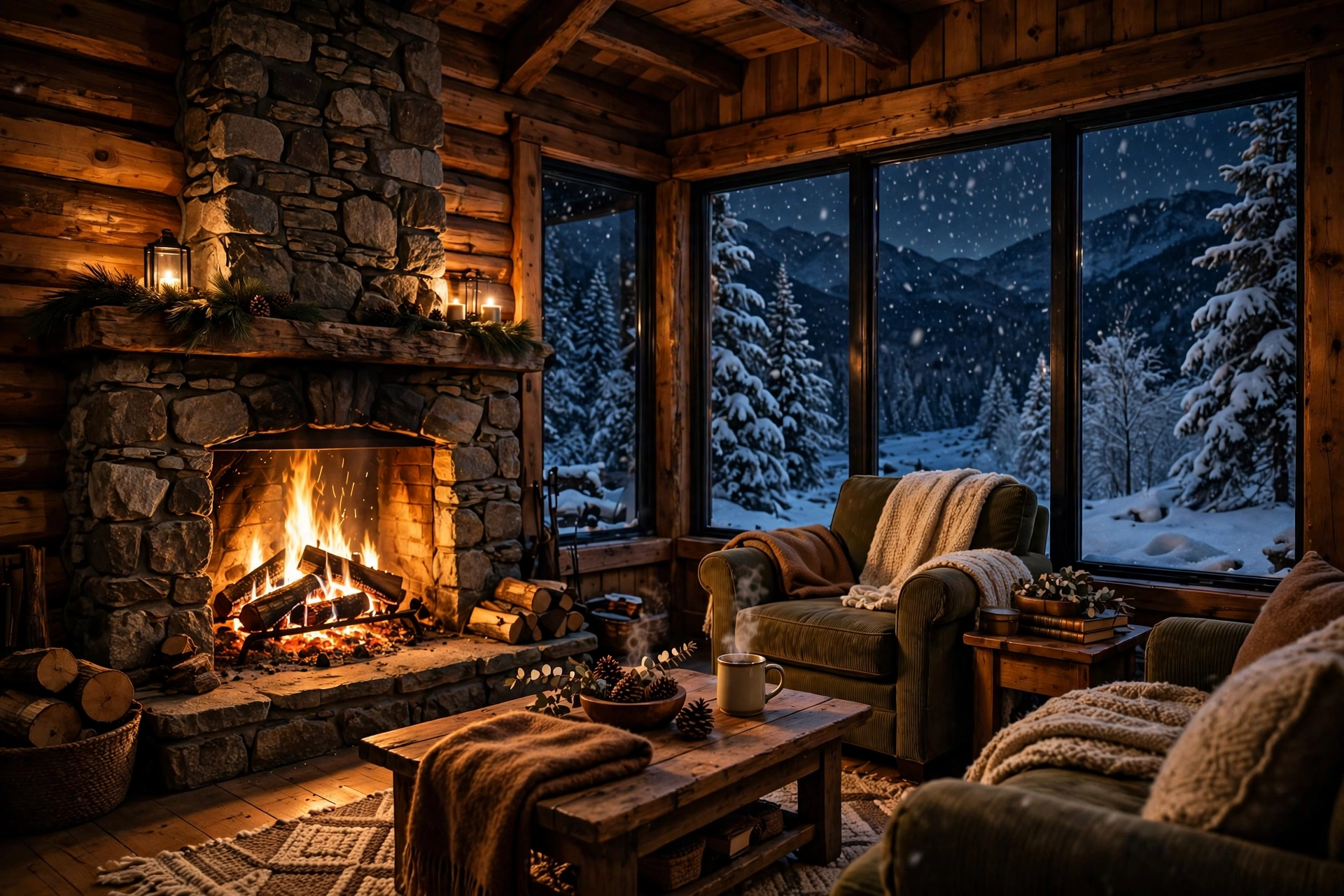
Prompt title: Fireplace Glow Inside the Cabin
Copy-paste prompt: “Cinematic interior shot of a cozy wooden mountain cabin at night, a stone fireplace with a crackling fire casting warm golden light across wooden beams and soft blankets, snow visible through large frosted windows, gentle firelight flicker, slow camera push-in, warm and peaceful mood, photorealistic, 4K quality.”
Image-prompt idea: A warm cabin living room at night, stone fireplace with glowing flames, wooden furniture, blankets, and snow falling outside frosted windows.
Why it works: This is the classic cozy shot. The contrast between the warm fire and the cold snow outside does most of the emotional work for you, and the flickering light gives the video natural movement without any complicated camera work.
Prompt 2: Snowfall at Dusk Outside the Cabin
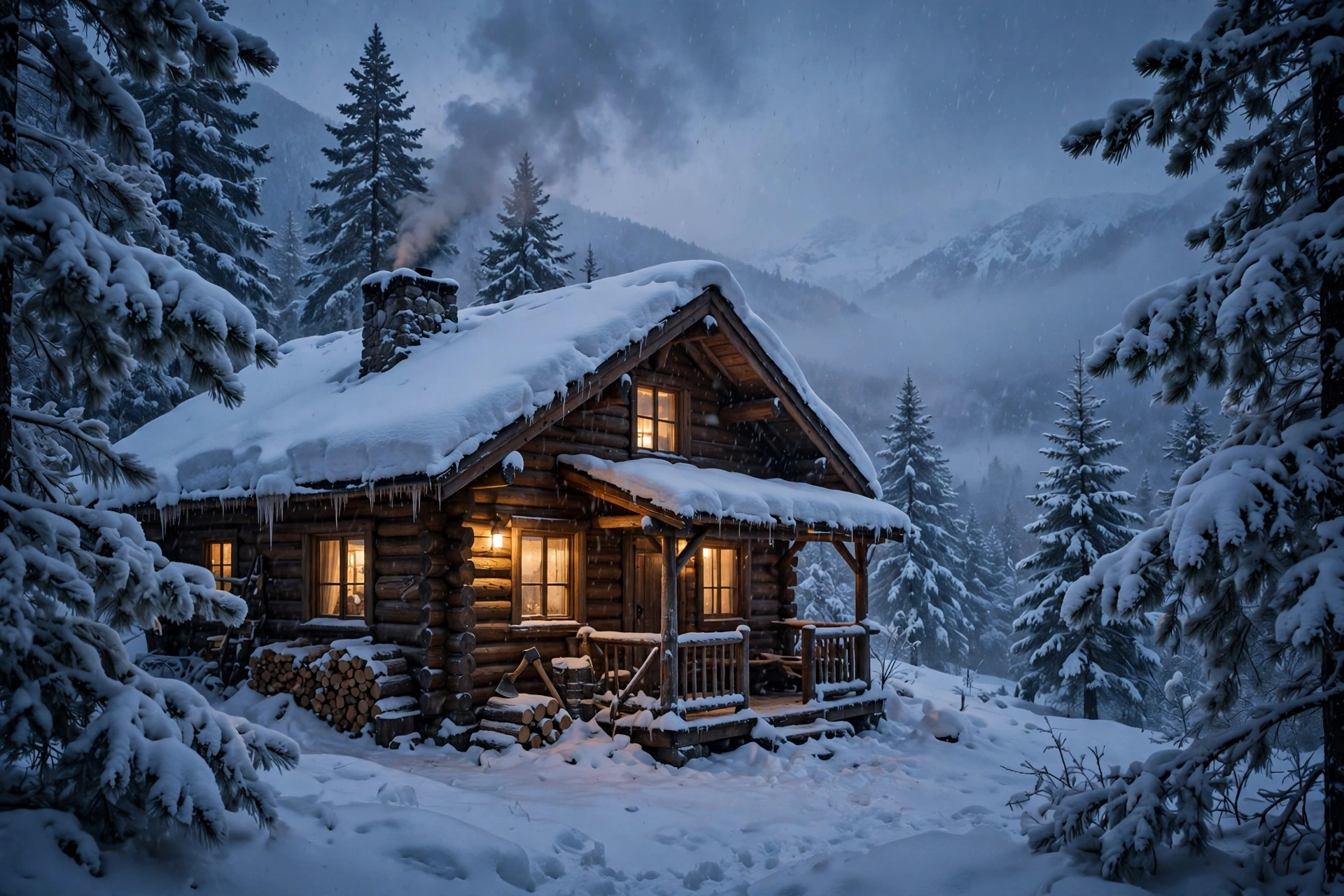
Prompt title: Snowfall at Dusk Outside the Cabin
Copy-paste prompt: “Wide cinematic shot of a small wooden cabin in snowy mountains at dusk, heavy snowfall, warm yellow light glowing in the windows, smoke rising slowly from the stone chimney, snow-covered pine trees all around, soft blue twilight sky, slow drone-style camera movement, peaceful winter atmosphere, photorealistic.”
Image-prompt idea: A snow-covered cabin at blue-hour dusk, glowing windows, chimney smoke, falling snow, and pine trees heavy with snow.
Why it works: Dusk is the most cinematic time of day for winter scenes. The blue snow and warm windows create a color contrast that looks expensive, and falling snow keeps the frame alive even in a wide, slow shot.
Prompt 3: Aurora Night Over the Cabin

Prompt title: Aurora Night Over the Cabin
Copy-paste prompt: “Breathtaking night scene of a snow-covered mountain cabin under a starry sky with green aurora borealis dancing overhead, snow-covered peaks in the background, warm light in one cabin window, gentle snowfall, slow upward camera tilt from the cabin to the sky, magical and serene mood, cinematic, photorealistic.”
Image-prompt idea: A tiny glowing cabin beneath a vivid green aurora, stars, snow peaks, and soft falling snow.
Why it works: The aurora adds a sense of wonder that turns a simple cabin clip into a shareable moment. People save and share videos that feel magical, and this prompt is built for that reaction.
Prompt 4: A Quiet Winter Morning on the Porch

Prompt title: A Quiet Winter Morning on the Porch
Copy-paste prompt: “Peaceful winter morning scene on the wooden porch of a snowy mountain cabin, a steaming mug of coffee on the railing, fresh untouched snow, pine forest in soft morning light, gentle steam rising, birdsong mood, slow steady camera shot, calm and refreshing atmosphere, photorealistic.”
Image-prompt idea: A steaming coffee mug on a snowy cabin porch railing, fresh snow, pine forest, and soft golden morning light.
Why it works: Morning scenes feel hopeful and calm, which makes them perfect for motivational Reels, morning routine content, and slow-living videos. The steam from the coffee is a small detail that makes the whole clip feel alive.
Tips to Make Your Snowy Mountain Cabin Videos Look Cinematic
First, always name the light. Words like “warm golden firelight,” “soft blue twilight,” and “gentle morning light” tell the model exactly what mood to create. Second, add one camera move — a slow push-in, a gentle drone shot, or a slow tilt — instead of asking for fast or shaky movement, which often looks messy in AI video. Third, keep the scene simple: one cabin, one weather effect, and one light source will look far better than a crowded scene with ten ideas fighting for attention.
For tools, you can try the Runway AI video generator, read about Pika H3 Flex, or explore Google’s Veo documentation for text-to-video generation. Each tool handles snow and firelight slightly differently, so generate the same prompt in two tools once and compare which one keeps the cabin steady and the snow natural.
Finally, add sound after generation. Crackling fire, soft wind, or gentle piano music will make a good clip feel complete. Most viewers decide in the first two seconds whether to keep watching, so start your edit on the strongest frame — glowing windows in falling snow — not on a slow fade-in.
FAQs About Snowy Mountain Cabin AI Video Prompts
Q1. What are snowy mountain cabin AI video prompts? A1. They are written text descriptions that tell an AI video tool to generate a winter cabin scene, including the setting, lighting, camera movement, and mood, so you get a ready video clip without filming anything yourself.
Q2. Which AI video tool works best for snowy cabin videos? A2. Runway, Pika, and Google Veo all handle winter scenes well. Runway is strong for cinematic camera moves, Pika is good for quick social clips, and Veo is known for realistic motion. Try the same prompt in more than one tool and keep the version that looks steadiest.
Q3. How long should a snowy cabin AI video be? A3. For Reels and Shorts, 8 to 15 seconds per scene works best. For a relaxing background video, you can loop one scene or stitch all four prompts into a 30 to 60 second story.
Q4. Can I use these prompts for commercial content? A4. Yes, you can use the prompts themselves freely. For the videos you generate, always check your chosen AI tool’s licence terms, especially for commercial or client work, because terms differ between free and paid plans.
Q5. How do I stop the cabin from changing shape in the video? A5. Keep the prompt simple, describe the cabin once in clear detail, avoid asking for fast camera moves, and use image-to-video with a still image of your cabin when your tool supports it. A steady reference image is the easiest way to hold the shape.
Q6. Can I change the season or time of day in these prompts? A6. Absolutely. Swap “snowfall” for “autumn leaves,” “dusk” for “golden sunrise,” or “aurora night” for “starry summer night,” and the same structure will still work. The prompts are written so one or two word changes create a completely new scene.
Conclusion
A snowy mountain cabin is one of the easiest subjects to turn into beautiful AI video, because snow, firelight, and quiet mountains already carry so much feeling. Start with the fireplace scene for instant coziness, use the dusk snowfall shot for a cinematic wide view, add the aurora for a magical moment, and close with a calm winter morning. Copy any prompt above, generate it in your favourite tool, and you will have a winter video worth posting today.
Pingback: Northern Lights Aurora Sky AI Video Prompts
Pingback: Swiss Alps Train Journey AI Video Prompts: 4 Scenic Rail Prompts for Viral Travel Videos