
Coral Reef Underwater AI Video Prompts: Dive Into the Ocean Without Getting Wet
A coral reef is nature’s busiest city — clownfish darting through anemones, sea turtles gliding past, and sunlight falling in golden shafts through turquoise water. With the right coral reef underwater AI video prompts, you can recreate all of it from your desk: no scuba gear, no underwater camera housing, and no expensive trip to the Great Barrier Reef. Tools like Veo 3, Kling, Runway, and Sora now render underwater scenes with remarkable realism, and ocean clips are among the most saved and shared videos on Shorts and Reels.
In this post, you will get four copy-paste-ready coral reef underwater AI video prompts, each built around a different underwater moment: clownfish in a swaying anemone, a sea turtle gliding over the reef, god rays of sunlight piercing the blue, and a glowing bioluminescent night reef. Every prompt includes camera movement, lighting, and mood, so your clip looks like a BBC Earth documentary — not a screensaver.
Underwater content works so well for AI video because the ocean hides imperfections. Soft light, floating particles, gentle currents, and blue-green colour grading all forgive small mistakes that would be obvious on land. A slightly imperfect fish still looks like a fish when it is moving through dappled light. That is why underwater prompts are one of the safest and most rewarding places to start with AI video — and why nature channels built on reef clips grow so fast.
Table of Contents
- Why Coral Reef Videos Perform So Well
- How to Use These Coral Reef Underwater AI Video Prompts
- Prompt 1: Clownfish in the Anemone
- Prompt 2: Sea Turtle Gliding Over the Reef
- Prompt 3: Sunlight Rays Through Blue Water
- Prompt 4: Bioluminescent Night Reef
- Watch Real Reef Footage for Inspiration
- Pro Tips for Realistic Underwater AI Videos
- Frequently Asked Questions
- Conclusion
Why Coral Reef Videos Perform So Well
Ocean videos tap into something deep: calm. In a feed full of shouting, fast cuts, and loud trends, a slow underwater clip is a moment of peace — and people save peaceful content. Reef videos get saved to “relax” collections, shared to friends who love the sea, and replayed as background calm. That save-and-share behaviour is exactly what the algorithms reward, which is why a simple 10-second reef clip can quietly gather millions of views over months.
There is also a discovery angle. The Great Barrier Reef is the largest living structure on Earth, stretching over 2,300 kilometres along Australia’s coast, and most people will never see it in person. Your video becomes their window into that world. AI tools have learned reef imagery extremely well from nature documentaries, so they render coral textures, fish schools, and light rays with surprising accuracy — especially in the “Blue Planet” documentary style that audiences already love.
For creators, reef content has another advantage: it is evergreen and endlessly variable. Change the fish, change the depth, change the time of day, and you have a new video. One strong set of coral reef underwater AI video prompts can power a whole nature channel — a “one reef a day” series, a relaxing ocean compilation, or a kids’ educational series about sea animals.
How to Use These Coral Reef Underwater AI Video Prompts
Underwater prompts follow slightly different rules from land prompts. First, always name the depth and the light: “sunlit shallows” and “god rays from the surface” tell the model to render bright, clear water, while “deep blue” and “soft glow” produce a darker, moodier scene. Second, always name the camera move: “slow forward dolly”, “gentle tracking shot”, or “slow orbit” — because underwater footage without camera movement looks like a still photo.
Third, set 9:16 vertical (1080 x 1920) for Shorts, Reels, and TikTok, and keep clips to 8–12 seconds. Underwater scenes are naturally slow, so a short clip with one clear subject performs better than a long, busy one. Generate each prompt two or three times and keep the best take — fish anatomy is where AI still slips, so check fins, tails, and eyes before you post.
If you want ready-made starting points, the coral reef AI video generator template shows how professionals structure a reef prompt with a slow horizontal dolly and a named fish species. The underwater AI video prompts library is also worth studying: it explains why depth, camera move, and light source matter more underwater than anywhere else.
Prompt 1: Clownfish in the Anemone
Everyone knows the clownfish — and that instant recognition is gold for short-form video. This close-up prompt creates an intimate scene of orange clownfish weaving through a swaying purple anemone, with sunlight dappling the coral around them. It is cute, colourful, and perfect for kids’ content, aquarium lovers, and “Finding Nemo” nostalgia posts.
Beautiful 10-second cinematic underwater video of orange clownfish swimming playfully among swaying purple and green sea anemones on a vibrant coral reef. Sunlight filters down through clear turquoise water, creating dappled light patterns on the coral. Tiny bubbles rise gently, and soft corals sway in a slow current. Slow forward camera dolly, peaceful and magical mood, vivid natural colours, National Geographic documentary quality, photorealistic, 4K. 9:16 aspect ratio, 10 seconds, no text, no watermark.Image-prompt idea: “Close-up of orange clownfish among purple sea anemones on a coral reef, sunbeams in turquoise water, macro underwater photography, photorealistic.”
Why it works: The prompt anchors on one subject (the clownfish), one setting (the anemone), and one camera move (slow dolly). AI models render clownfish well because their shape and colours are so distinctive. Keep the scene tight and close — wide reef shots with dozens of fish species are much harder for the model to keep anatomically correct. For more tropical ocean scenes, see our tropical island paradise AI video prompts, which cover the view above the waterline.

Prompt 2: Sea Turtle Gliding Over the Reef
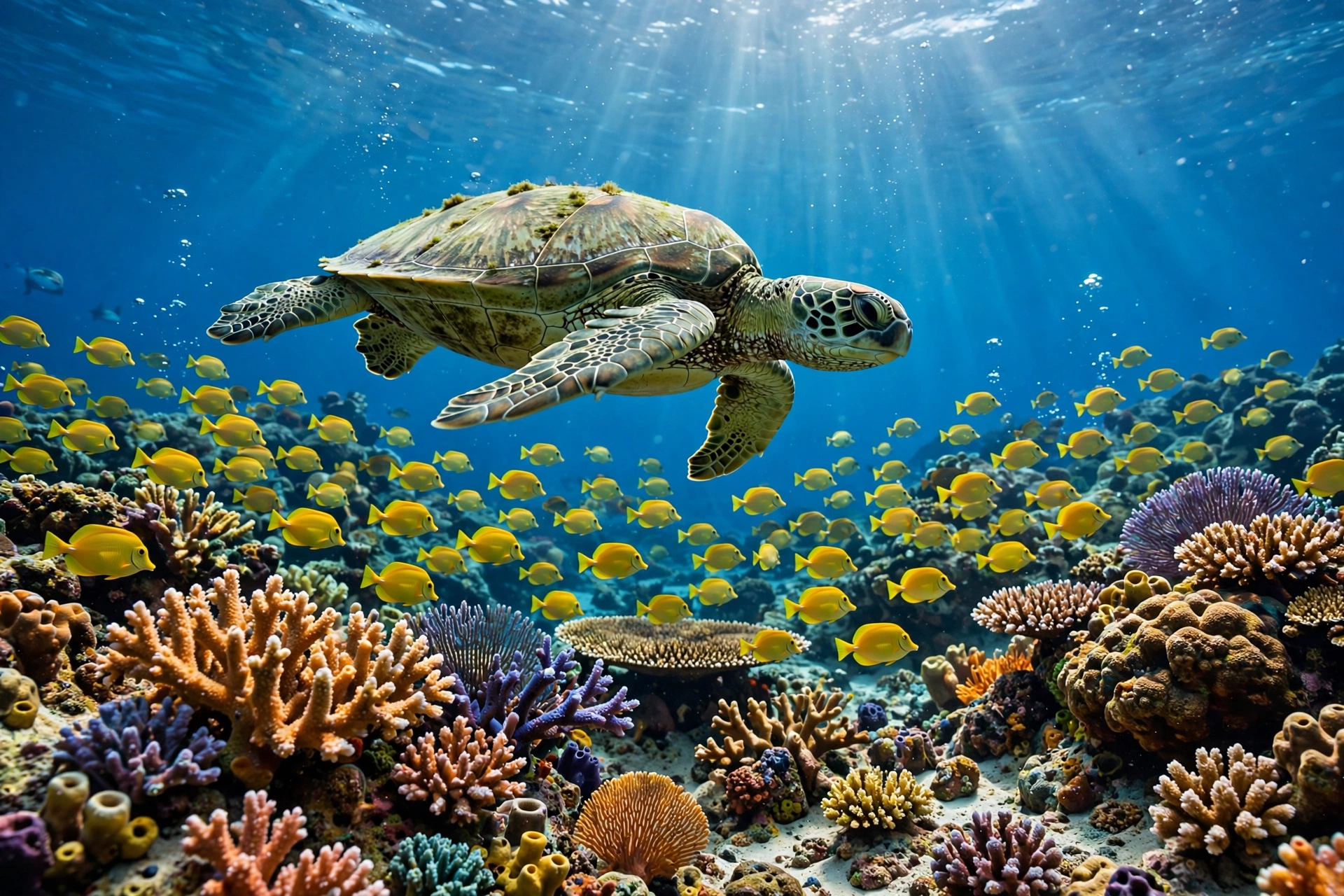
A sea turtle gliding over a reef is the single most calming shot in all of nature video. This prompt creates a slow, graceful scene: a green turtle moves across the frame while a school of yellow fish parts around it and sunlight ripples across the coral below. Use it for relaxation content, ocean conservation posts, or as the closing shot of a reef compilation — it leaves viewers feeling peaceful.
Serene 12-second cinematic underwater video of a graceful green sea turtle gliding slowly over a colourful coral reef, with a school of small yellow tropical fish swimming around it. Crystal clear blue water, gentle sunlight rippling across branching corals, a few bubbles rising toward the surface. Slow tracking camera following the turtle from the side, calm and majestic mood, BBC Earth documentary style, photorealistic, 4K. 9:16 aspect ratio, 12 seconds, no text, no watermark.Image-prompt idea: “Green sea turtle gliding over a colourful coral reef with yellow tropical fish, sunlit blue water, National Geographic underwater photography, photorealistic.”
Why it works: Turtles move slowly, and slow subjects are AI video’s best friends. The tracking shot keeps the turtle centred while the reef drifts past, which creates a strong sense of depth without asking the model to render fast motion. This is also a great prompt for testing a new tool: if a model can render a believable turtle, it can handle almost any reef scene. The same slow-tracking technique works beautifully in our serene beach sunset sailboat AI video prompts, where a slow boat replaces the turtle.
Prompt 3: Sunlight Rays Through Blue Water
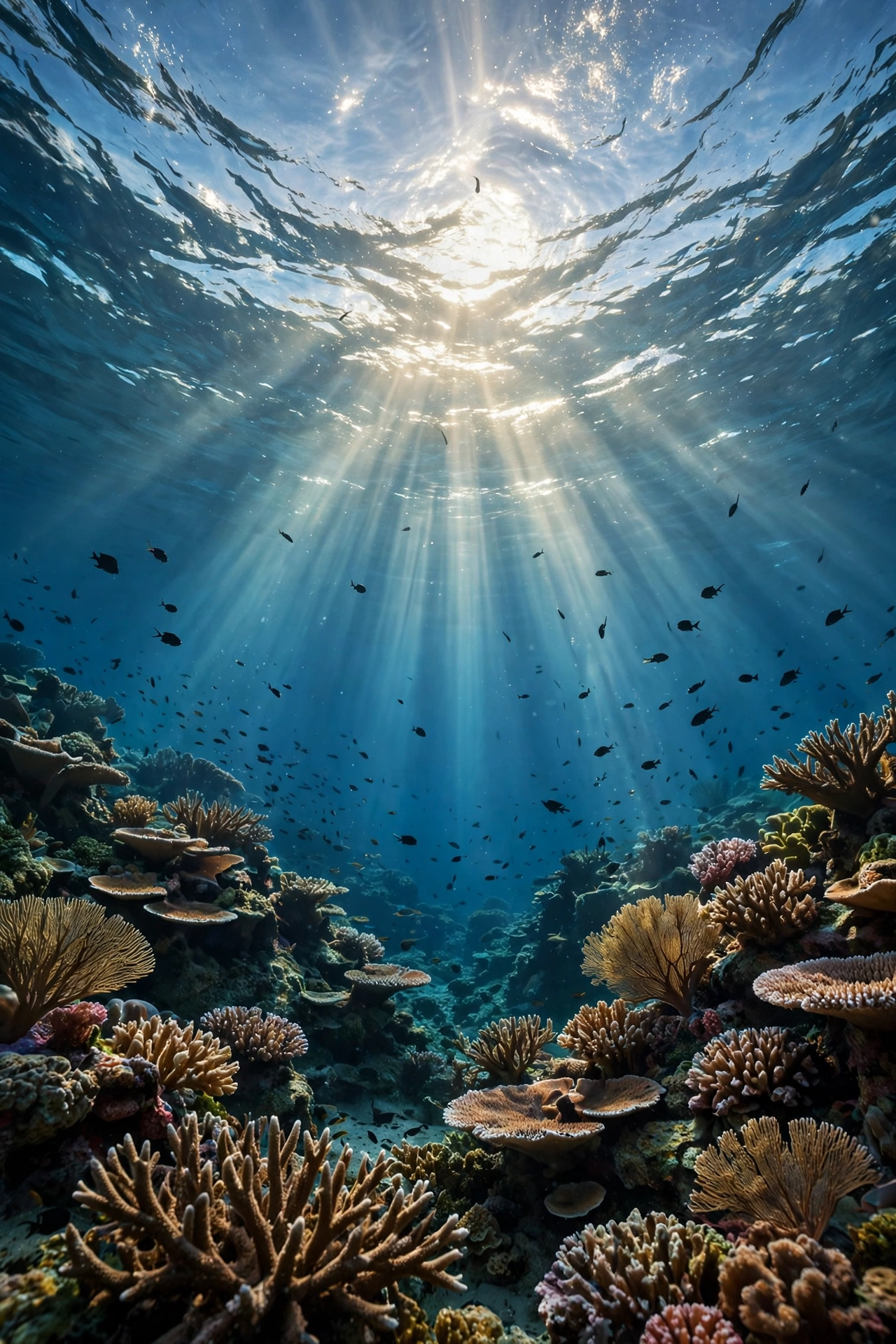
God rays — those dramatic shafts of sunlight piercing the ocean — are the most cinematic thing you can put in an underwater video. This prompt looks up toward the surface from inside the reef, so the viewer feels like they are diving. It works wonderfully as an opening shot, a transition, or a standalone “breathe in, breathe out” relaxation clip with ambient ocean audio.
Breathtaking 10-second cinematic underwater video looking up from a vibrant coral reef toward the ocean surface, where dramatic god rays of sunlight pierce deep blue water in glowing shafts. Small fish swim as dark silhouettes through the light beams, and tiny particles drift slowly in the water. The coral garden below glows in blue and turquoise. Slow upward camera tilt, awe-inspiring and peaceful mood, volumetric light, photorealistic, 4K. 9:16 aspect ratio, 10 seconds, no text, no watermark.Image-prompt idea: “Underwater view looking up at god rays of sunlight piercing blue ocean water above a coral reef, fish silhouettes in the light, photorealistic.”
Why it works: Light shafts give the model a strong, simple structure: bright beams, dark water, small silhouettes. The prompt also uses the word “volumetric”, which pushes most models toward softer, more realistic light. This technique — building a scene around light rather than animals — is a core lesson in the Great Barrier Reef dive prompt breakdown, which shows how a layered discovery arc from surface to depth makes underwater AI video feel like a real dive.
Prompt 4: Bioluminescent Night Reef
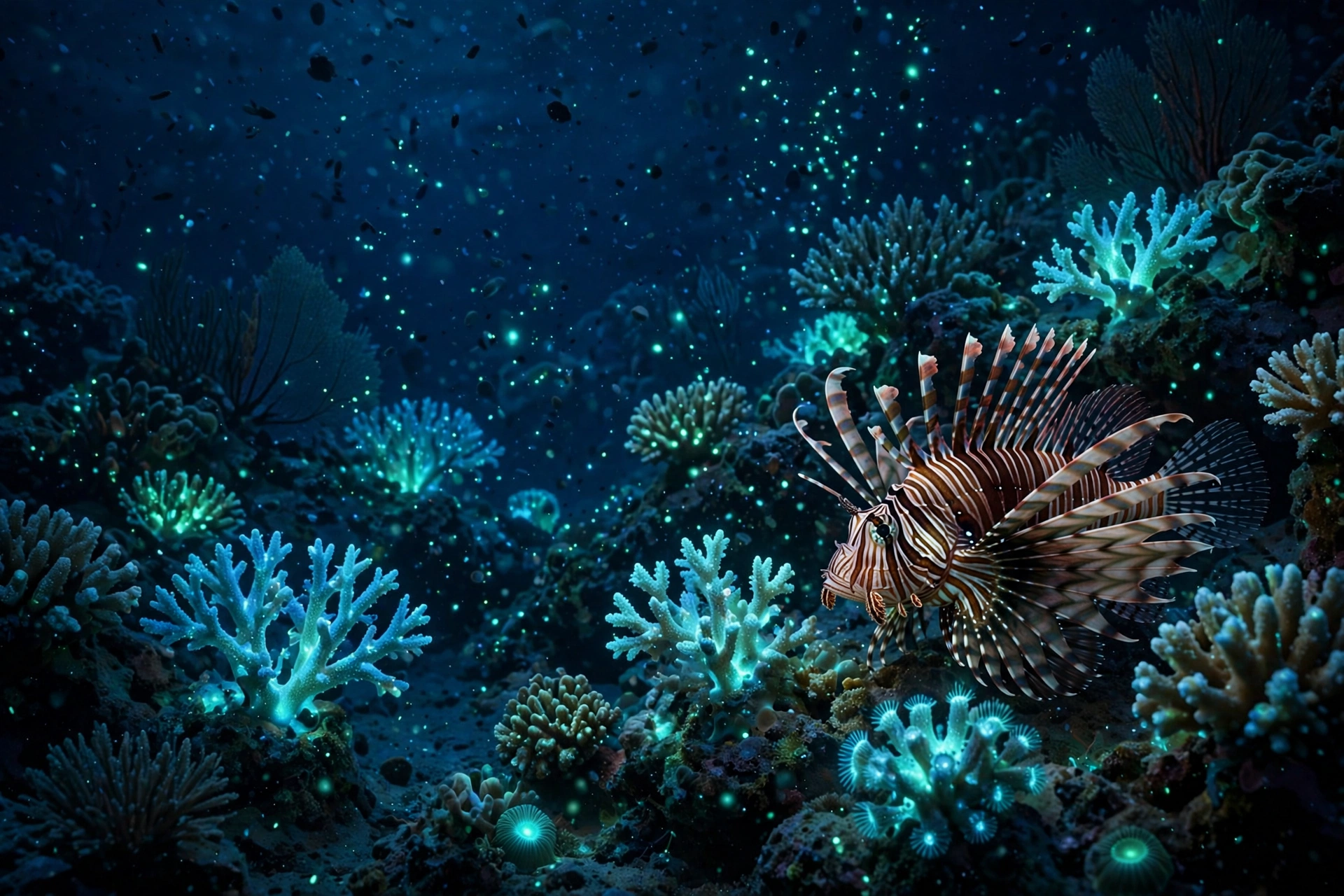
At night, the reef transforms. Corals glow, plankton sparkles, and the whole scene turns into something from another planet. This prompt creates a magical night reef with bioluminescent light — perfect for “the ocean at night” content, fantasy edits, and the kind of clip people watch twice because they cannot believe it is AI.
Magical 10-second cinematic underwater video of a coral reef at night glowing with bioluminescent plankton and soft blue-green light. A lionfish drifts slowly past glowing corals, tiny sparks of light float in the dark deep blue water, and the reef shimmers like a starry sky underwater. Slow drifting camera movement, mysterious and enchanting mood, deep blue and glowing teal colours, photorealistic, 4K. 9:16 aspect ratio, 10 seconds, no text, no watermark.Image-prompt idea: “Night coral reef glowing with bioluminescent plankton, lionfish and glowing corals in deep blue water, magical underwater photography, photorealistic.”
Why it works: Darkness is forgiving. In a night scene, the model does not need to render fine detail — it needs glow, contrast, and slow movement, all of which AI handles well. The single lionfish gives the eye something to follow, while the glowing particles add magic without complexity. Night-glow techniques also power our magical forest fireflies night AI video prompts, if you want to build a whole “glow at night” series across land and sea.
Watch Real Reef Footage for Inspiration
Before generating, study how real reef documentaries are shot: the slow dolly, the side-tracking turtle shot, and the upward look into the light. Notice how little happens in each shot — and how powerful that stillness feels. This 4K Great Barrier Reef documentary is the perfect reference for pacing, colour, and camera movement:
Pro Tips for Realistic Underwater AI Videos
First, always add water texture words: “floating particles”, “gentle current”, “bubbles rising”, “light diffusion”. These small details are what make a flat blue background feel like real water. Second, name the documentary style — “BBC Earth” or “National Geographic” — because those two phrases push the model toward natural colours and calm pacing instead of cartoon brightness.
Third, keep the fish count low. One turtle, a few clownfish, one lionfish: the model can handle that. A “school of hundreds of fish of many species” will usually produce strange, morphing shapes. And fourth, check the fins and eyes on every generation. Fish anatomy is the first thing viewers notice when it is wrong, so discard any take with bent fins or duplicated eyes — a clean second generation is always worth the extra minute.
Frequently Asked Questions
Which AI video tool is best for coral reef underwater videos?
Veo 3 (through Google Flow) currently renders water, light rays, and fish movement most realistically. Kling is strong for smooth tracking shots, Runway Gen-4 gives good camera control, and Sora produces very cinematic wide reef shots. Test the same prompt in two tools and keep the better take.
Can I use coral reef underwater AI video prompts for YouTube Shorts?
Yes. All four prompts are written for 9:16 vertical video at 1080 x 1920, which is the exact format for YouTube Shorts, Instagram Reels, and TikTok. Add calm ocean audio and a caption like “The reef at night is another planet” for best results.
How do I make AI fish look realistic and not cartoonish?
Name a real species (“green sea turtle”, “orange clownfish”, “lionfish”), keep the fish count low, use slow camera movement, and add the words “photorealistic” and “documentary quality”. Avoid fast motion and crowded schools, which are where AI fish anatomy breaks down.
Are AI-generated ocean videos allowed on YouTube?
Yes. YouTube allows AI-generated content, but you should use the “altered or synthetic content” disclosure when uploading. Do not claim the footage is real diving video you shot yourself. Label it honestly as AI-generated nature art.
What is the best length for an underwater AI video?
Eight to twelve seconds is ideal for short-form. Underwater scenes are slow by nature, so a short clip with one clear subject holds attention perfectly. For long-form YouTube, stitch four or five clips together with your own voiceover about reef animals.
Can I monetise a channel made with coral reef AI videos?
Yes, if you add original value — your own narration, educational facts about reef animals, editing, or a series format like “One reef creature a day”. Channels that only re-upload raw AI clips with no added creativity struggle with monetisation, so always add your own voice or story.
Conclusion
These four coral reef underwater AI video prompts give you a complete mini-documentary in your pocket: the playful clownfish, the graceful sea turtle, the awe-inspiring god rays, and the magical glowing night reef. Copy a prompt, paste it into Veo 3, Kling, Runway, or Sora, and you will have a beautiful ocean clip in under a minute.
Start with the clownfish — it is the easiest win and the most recognisable. Then build your series one creature at a time, keeping the same calm pacing and documentary style. The ocean is the most forgiving subject in AI video, and the reef is its brightest jewel. Dive in, generate, and let your audience escape beneath the waves for ten peaceful seconds at a time.