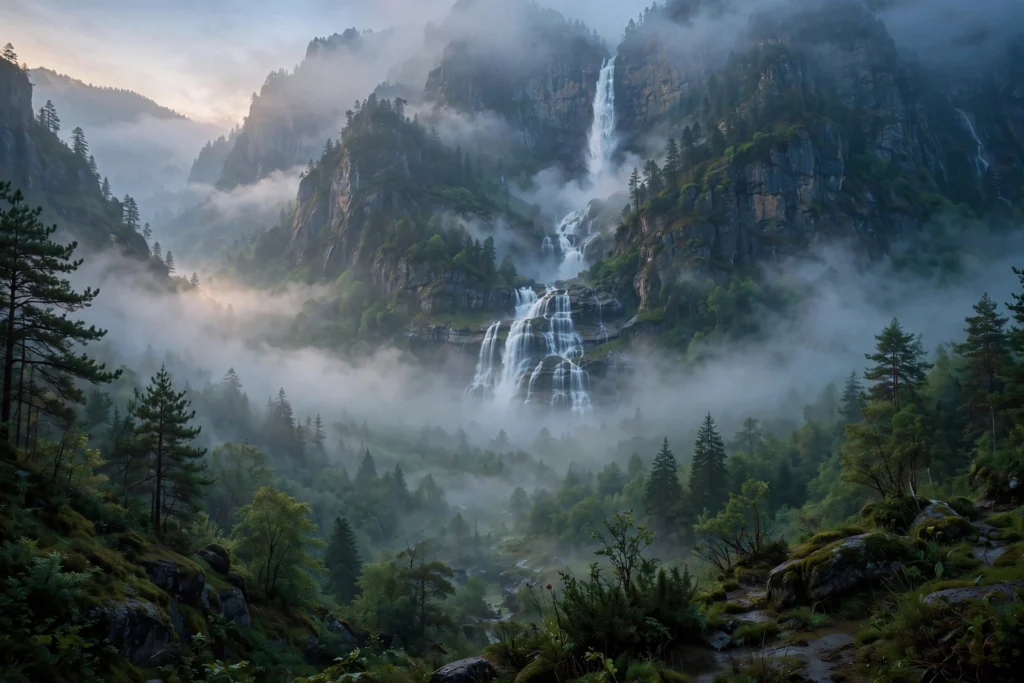
There is something deeply calming about a waterfall appearing through mountain mist — the sound of falling water, the cool spray, and peaks fading in and out of the fog. These misty mountain waterfall AI video prompts let you create that dreamy escape without hiking for hours or waiting for the perfect monsoon morning. Whether you make nature content, meditation and relaxation videos, travel Reels, or cinematic Shorts, these four prompts give you complete scenes that feel fresh, peaceful, and alive.
Each prompt is copy-paste-ready, with the mist, the water, and the camera movement already written in. Use one scene on its own, or join all four into a short mountain journey: a foggy valley reveal, a powerful close-up cascade, a rainbow in the spray, and a hidden turquoise pool to end on.
Table of Contents
- Why Misty Waterfall Videos Feel So Dreamy
- 4 Misty Mountain Waterfall AI Video Prompts
- Prompt 1: The Waterfall Revealed Through the Fog
- Prompt 2: Close-Up of the Thundering Cascade
- Prompt 3: A Rainbow in the Waterfall Mist
- Prompt 4: The Hidden Pool Below the Falls
- Tips to Make Your Waterfall Videos Look Natural
- FAQs About Misty Mountain Waterfall AI Video Prompts
- Conclusion
Why Misty Waterfall Videos Feel So Dreamy
Waterfall videos work because they combine two kinds of motion at once: the constant, powerful fall of water and the slow, drifting movement of mist. That layered motion holds the eye without any fast action, which is why waterfall clips are so popular for relaxation, meditation, and focus content. Viewers do not just watch them — they breathe more slowly while watching.
For AI video, mist is a gift. Soft fog hides small imperfections in rocks and foliage, smooths out detail the model might struggle with, and adds instant atmosphere. A misty waterfall is therefore one of the most reliable nature scenes you can generate: even a first attempt usually looks beautiful, and a good attempt looks like a dream.
If you enjoy peaceful nature themes, you may also like our serene-beach-sunset-sailboat-ai-video-prompts, our magical-forest-fireflies-night-ai-video-prompts, and our snowy-mountain-cabin-ai-video-prompts for more calming scenery.
4 Misty Mountain Waterfall AI Video Prompts
Use these scenes in order for a natural mountain journey: the foggy reveal, the powerful close-up, the rainbow moment, and the quiet pool at the end.
Prompt 1: The Waterfall Revealed Through the Fog

Prompt title: The Waterfall Revealed Through the Fog
Copy-paste prompt: “Cinematic wide shot of a tall waterfall cascading down a mossy cliff in a misty mountain valley, thick white fog drifting slowly between pine-covered peaks, soft morning light breaking through the mist, lush green cliffs and ferns, slow drone-style camera push forward through the fog toward the falls, dreamy and peaceful mood, photorealistic, 4K quality.”
Image-prompt idea: A tall waterfall in a misty mountain valley, fog drifting between pine-covered peaks in soft morning light.
Why it works: The fog reveal is a classic cinematic opening. The mist hides the waterfall at first, then the slow push forward uncovers it — that sense of discovery hooks viewers in the first seconds, and the fog gives the whole frame a soft, painterly quality.
Prompt 2: Close-Up of the Thundering Cascade

Prompt title: Close-Up of the Thundering Cascade
Copy-paste prompt: “Powerful close-up cinematic shot of a misty mountain waterfall thundering over dark wet rocks, white water crashing and spraying fine mist into the air, droplets sparkling in soft sunlight, lush moss and ferns on the cliff edges, slow steady camera shot with slight downward tilt following the falling water, energetic yet calming mood, photorealistic.”
Image-prompt idea: A close-up of white water crashing over dark wet rocks, with fine mist sparkling in the sunlight.
Why it works: After the wide foggy reveal, this close-up adds power and texture. The crashing water gives viewers a strong sense of sound even without audio, and the sparkling spray adds detail that keeps the frame interesting through the whole clip.
Prompt 3: A Rainbow in the Waterfall Mist

Prompt title: A Rainbow in the Waterfall Mist
Copy-paste prompt: “Magical cinematic shot of a soft rainbow forming in the fine mist at the base of a tall mountain waterfall, sunlight catching the spray, lush green valley and misty peaks in the background, tiny birds flying through the light, slow gentle camera pan across the rainbow and falls, joyful and wonder-filled mood, photorealistic.”
Image-prompt idea: A soft rainbow glowing in the mist at the base of a tall waterfall, with a lush green valley behind.
Why it works: A rainbow is a small moment of wonder that makes a clip memorable and shareable. It also adds colour to a scene that is otherwise mostly green and white, and the gentle pan lets viewers enjoy the rainbow without the camera stealing attention from it.
Prompt 4: The Hidden Pool Below the Falls
Prompt title: The Hidden Pool Below the Falls
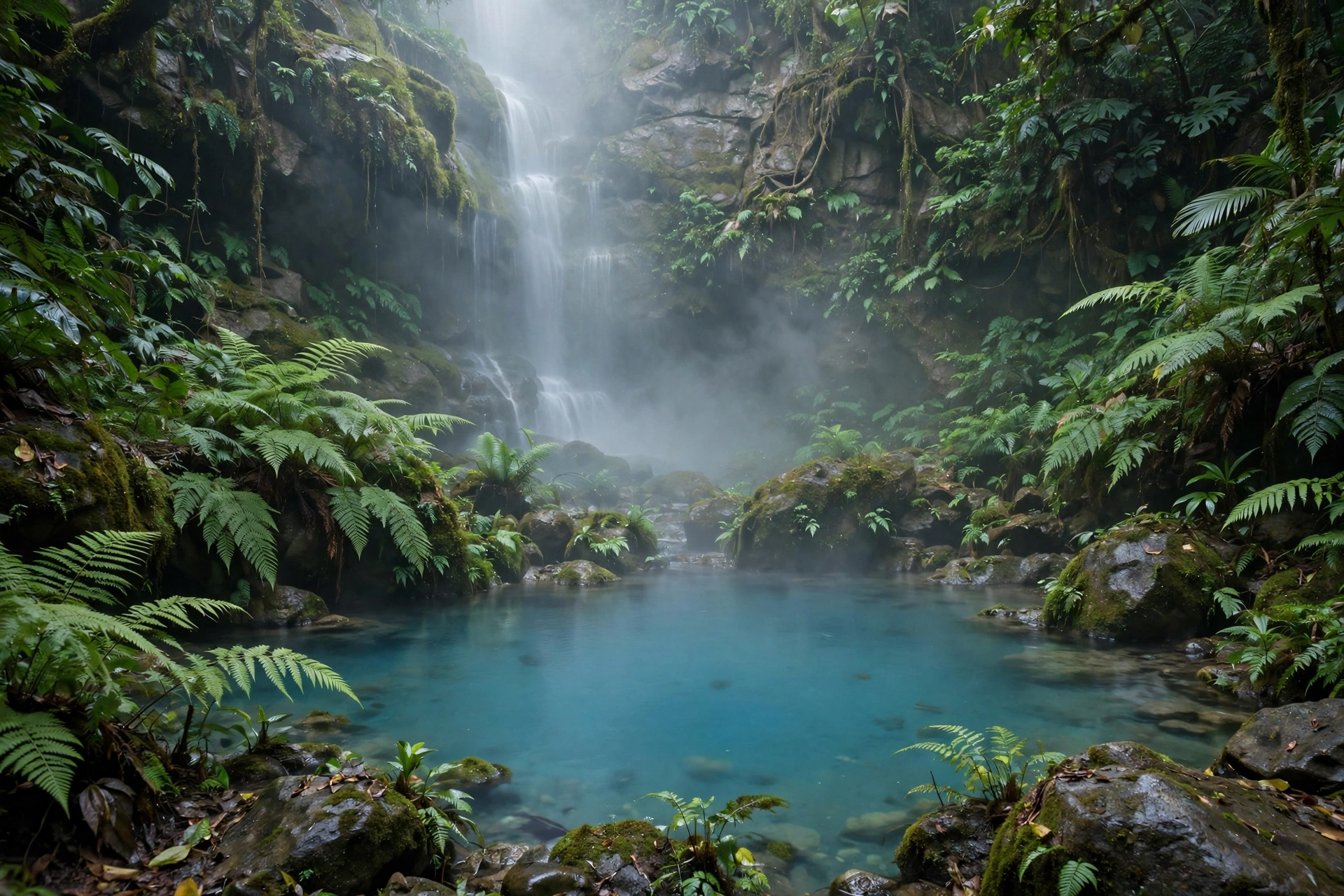
Copy-paste prompt: “Serene cinematic shot of a hidden turquoise pool at the base of a misty mountain waterfall, crystal-clear water rippling gently, soft mist floating above the surface, smooth stones and lush ferns around the pool’s edge, sunlight filtering through the trees, slow overhead camera drift across the pool, tranquil and refreshing mood, photorealistic.”
Image-prompt idea: A hidden turquoise pool at the base of a waterfall, with soft mist floating above clear rippling water.
Why it works: This quiet ending lets the viewer rest after the power of the cascade. Turquoise water is instantly eye-catching on a feed, and the slow overhead drift feels like a peaceful exhale — perfect for a final frame, a loop, or a meditation video background.
Tips to Make Your Waterfall Videos Look Natural
First, describe the water, not just the falls. Words like “white water crashing,” “fine mist,” and “crystal-clear ripples” help the model render believable water instead of a flat white sheet. Second, keep the mist in every prompt. Mist softens edges, hides small errors, and makes the whole scene feel like a real mountain morning. Third, vary your camera moves: a push forward for the reveal, a steady shot for the close-up, a gentle pan for the rainbow, and an overhead drift for the pool. Variety keeps a joined video from feeling repetitive.
For tools, try the Runway AI video generator for smooth drone-style moves, read about Pika H3 Flex for quick social clips, or explore Google’s Veo documentation for text-to-video generation. If the water looks frozen or smeared, simplify the prompt: remove one detail, keep the camera move slow, and generate again — water is easier for the model when the prompt stays simple.
Finally, add fitting sound. Real waterfall audio, gentle birdsong, or soft instrumental music will make a waterfall clip feel complete. Start your edit on a frame where the mist is already drifting, so viewers feel the mountain atmosphere immediately.
FAQs About Misty Mountain Waterfall AI Video Prompts
Q1. What are misty mountain waterfall AI video prompts?
A1. They are written descriptions that tell an AI video tool to generate a waterfall scene, including the mist, the cliffs, the water, and the camera movement, so you get a finished nature clip without hiking to a real waterfall.
Q2. Which AI video tool works best for waterfall videos?
A2. Runway is strong for smooth drone-style camera moves, Pika is good for quick social clips, and Google Veo handles flowing water and mist well. Try the same prompt in two tools and keep the version with the most natural-looking water motion.
Q3. How long should a waterfall AI video be?
A3. For Reels and Shorts, 8 to 15 seconds per scene works well. For a full mountain journey, join all four prompts into a 30 to 60 second video that moves from the foggy reveal to the hidden pool.
Q4. Can I use these prompts for meditation or relaxation content?
A4. Yes, the prompts are free to use, and waterfall scenes are ideal for meditation, focus, and sleep content. For videos you generate, check your AI tool’s licence terms for commercial use, since free and paid plans can differ.
Q5. How do I stop the water from looking frozen or smeared?
A5. Keep the camera slow and steady, describe the water simply as “white water crashing” or “crystal-clear ripples,” and avoid asking for very fast motion. If a clip still looks wrong, regenerate with one fewer detail — simpler prompts usually give cleaner water.
Q6. Can I adapt these prompts for other water scenes?
A6. Absolutely. Swap the waterfall for a mountain stream, a monsoon river, or a jungle cascade, and keep the same structure — mist, green cliffs, slow camera move — and you will get another strong nature scene.
Conclusion
A misty mountain waterfall is one of the dreamiest, most calming subjects you can create with AI video. Begin with the waterfall revealed through the fog, feel the power of the close-up cascade, catch a rainbow in the spray, and rest at the hidden turquoise pool below. Copy any prompt above, generate it in your favourite tool, and you will have a waterfall video that feels like a cool mountain morning.
Pingback: Iceland Waterfalls AI Video Prompts: 4 Epic Prompts for Powerful Nature Videos
Pingback: Niagara Falls AI Video Prompts: 4 Cinematic Waterfall Prompts for Stunning AI Videos