Photo se Video Banane ke 4 AI Prompts
Doston, photo se video banana aaj ka sabse viral AI kamaal hai. Aapki gallery me padi purani photo, AI use zinda kar sakta hai, aankhein jhapkengi, chehre par muskaan aayegi, baal hawa me lehrenge. Is technique ko image-to-video kehte hain.
Is post me maine 4 ready-made English prompts diye hain jo photo ko video me badalne ke liye specially likhe gaye hain. In prompts me photo ka reference bhi hai aur movement ka instruction bhi, taaki AI bilkul sahi animation banaye.
Har prompt ke saath aapko milega:
– 📝 Hindi me samjhaya hua, ye prompt kya karega
– 🖼️ Preview image, iss prompt se kaisa video banega, iska AI-generated andaza
– 💡 Tips, prompt ko aur behtar kaise banayein
Bas prompt ko copy karo, apne favourite AI video tool (jaise Veo, Runway, Pika, Hailuo) me apni photo ke saath paste karo, aur video taiyaar. Photo animations ko transformation trend ke saath jod kar viral bhi kiya ja sakta hai.
Note: Saari preview images AI se banayi gayi hain, ye sirf andaze ke liye hain ki prompt se kaisa video ban sakta hai. Asli video aapke AI tool par depend karega.
Prompt 1: Muskurata Hua 3D Character Photo 📸😊
Ye prompt kya karega: Aapki di hui photo ka 3D cartoon character dheere se muskurata hai, aankhein jhapkata hai aur halka sa sir hilata hai. Ye sabse popular photo animation hai, bilkul aisa lagta hai jaise photo me jaan aa gayi ho. Birthday wishes aur greetings ke liye perfect.
Preview:
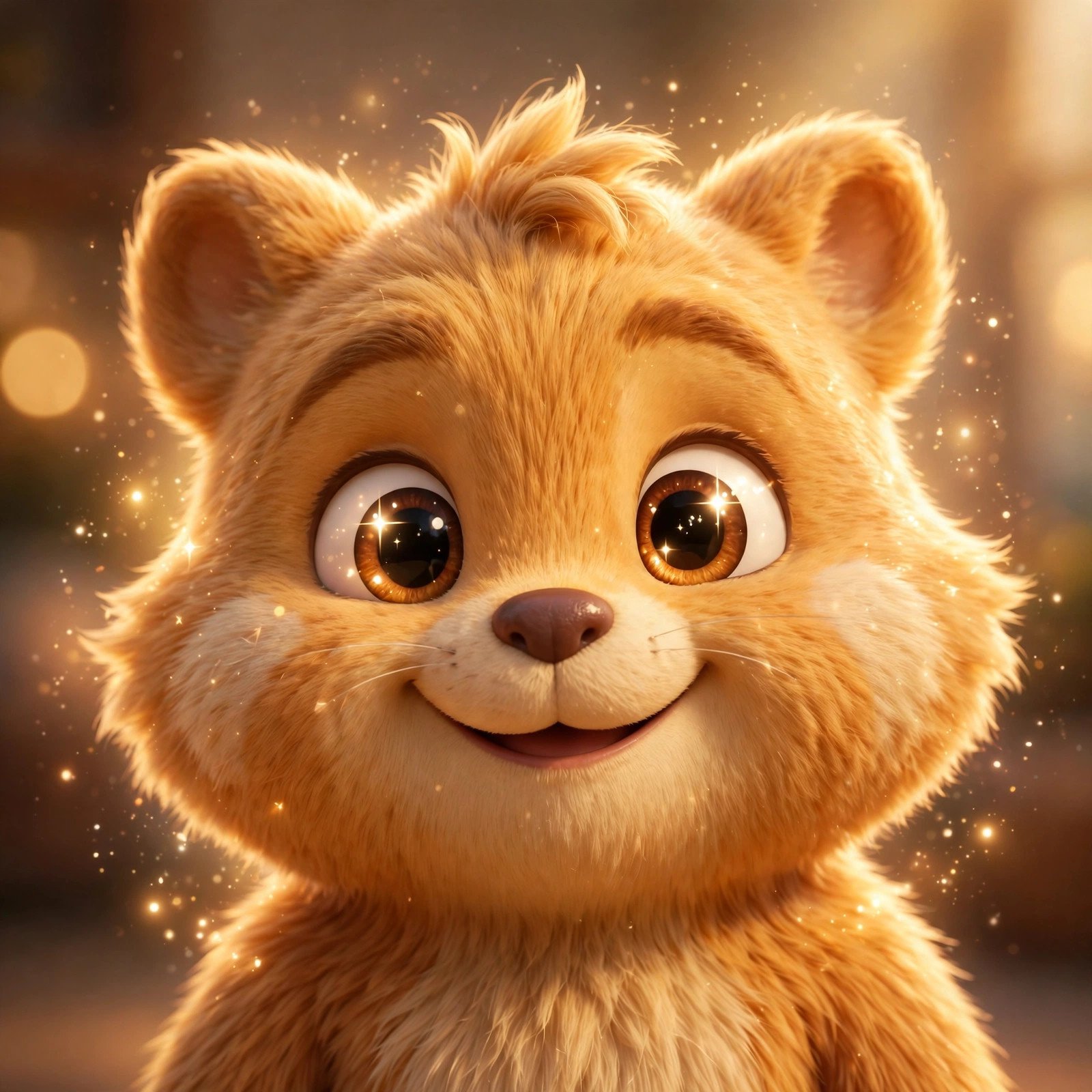
AI Preview, iss prompt se aisa video ban sakta hai
Copy karo ye prompt:
Animate this photo into a lively 3D cartoon video, Pixar-style, vertical 9:16, 6 seconds, no subtitles, no text overlay.

SUBJECT: The 3D cartoon character from the uploaded photo. Keep the exact same face, hairstyle, clothes, and background as the photo. Do not change the identity.

ANIMATION BREAKDOWN:
- 0:00–0:02: Subtle life begins — the character's eyes blink naturally once, slight head tilt.
- 0:02–0:04: A warm gentle smile spreads across the face, cheeks lift slightly with joy.
- 0:04–0:06: The character gives a small friendly nod toward the camera, eyes sparkling. Freeze on the smiling face.

VISUAL STYLE: High-quality 3D animation, Pixar-like rendering, keep the photo's original lighting and colors, ultra-smooth subtle facial motion, natural and heartwarming, no distortion of the face.

AUDIO RULES: Soft warm background music (instrumental) only. No dialogue, no voiceover, no lyrics.

TECHNICAL SPECS: Vertical 9:16 aspect ratio, 6 seconds duration, 24fps, no subtitles, no watermark, no text on screen. Preserve the uploaded photo's composition exactly.
💡 Tips:
1. Photo jitni saaf aur seedhi hogi, animation utna hi accha banega. Blurry photo se bachein.
2. “Keep the exact same face” wali line sabse zaroori hai, ise kabhi mat hatayein.
3. Apni photo ka hi use karein, kisi aur ki photo bina permission ke animate na karein.
Prompt 2: Pyaara Pet Photo, Poonchh Hilata Hua 🐕💕
Ye prompt kya karega: Aapke pet ki photo ka 3D cartoon dog khushi se poonchh hilata hai, kaan khade karta hai aur pyaar se camera ki taraf dekhta hai. Pet lovers ke liye ye prompt emotional aur viral dono hai, log apne pets ke aise videos baar-baar dekhte hain.
Preview:
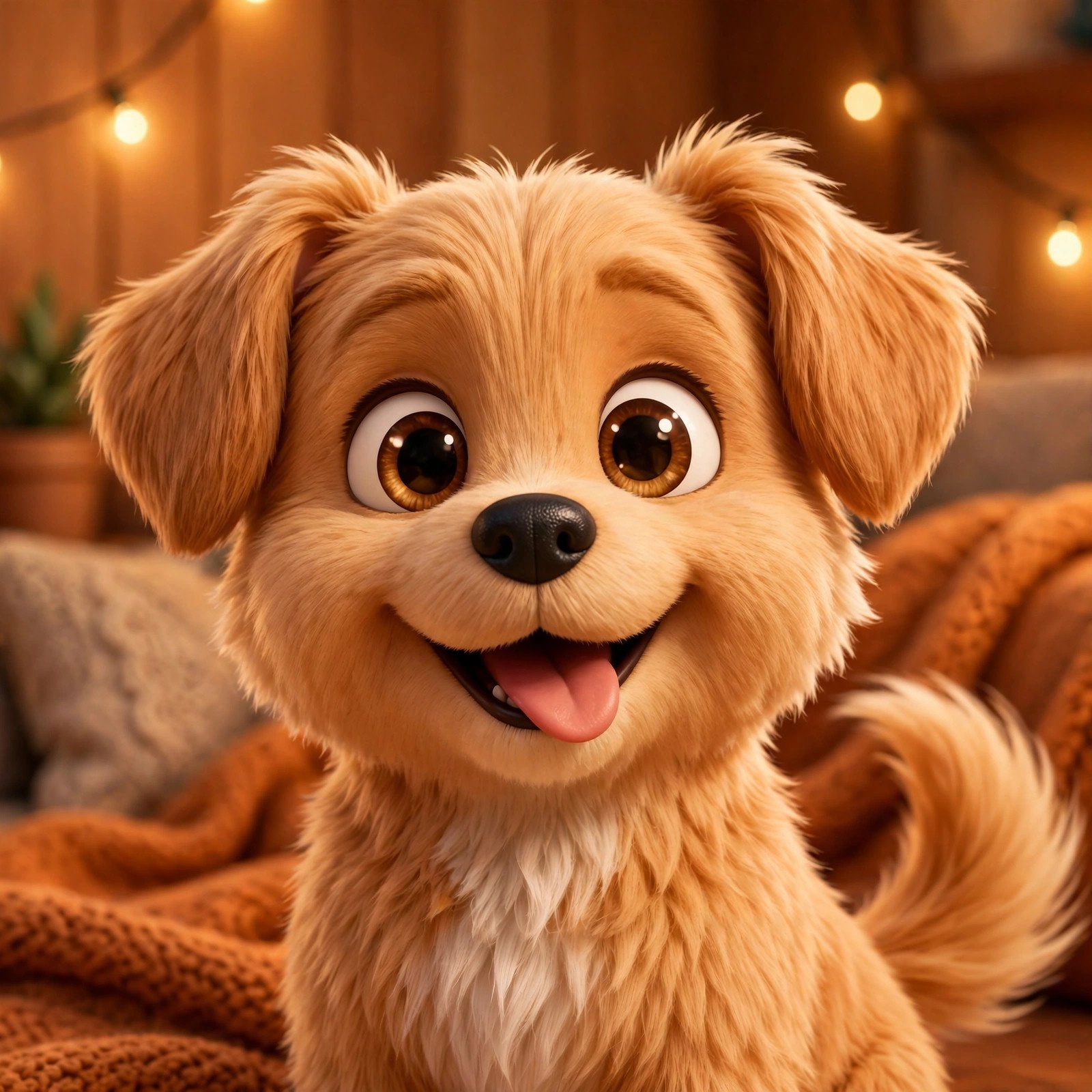
AI Preview, iss prompt se aisa video ban sakta hai
Copy karo ye prompt:
Animate this photo into a cute 3D cartoon video, Pixar-style, vertical 9:16, 6 seconds, no subtitles, no text overlay.

SUBJECT: The 3D cartoon pet from the uploaded photo. Keep the exact same face, fur color, markings, and pose as the photo. Do not change the pet's identity.

ANIMATION BREAKDOWN:
- 0:00–0:02: The pet's ears perk up alertly, head tilts slightly with curiosity.
- 0:02–0:04: The tail starts wagging happily, faster and faster with excitement.
- 0:04–0:06: The pet looks directly at the camera with loving big eyes, giving a happy little bounce. Freeze on the joyful face.

VISUAL STYLE: High-quality 3D animation, Pixar-like rendering, keep the photo's original setting and lighting, smooth natural pet motion, exaggerated cuteness, heartwarming mood.

AUDIO RULES: Happy puppy barks and a cheerful pop sound only. No dialogue, no voiceover, no lyrics.

TECHNICAL SPECS: Vertical 9:16 aspect ratio, 6 seconds duration, 24fps, no subtitles, no watermark, no text on screen. Preserve the uploaded photo's composition exactly.
💡 Tips:
1. Pet ki aankhon wali close-up photo sabse best result deti hai.
2. Poonchh photo me dikh rahi ho to animation aur bhi pyaara banta hai.
3. Aise videos funny pet animals wali audience ko bahut pasand aate hain.
Prompt 3: Diye ki Lau, Festival Photo me Jaan 🪔✨
Ye prompt kya karega: Festival ya diya wali photo me lau dheere-dheere lehrati hai, aas-paas sunehri chamak tairti hai. Ye prompt sirf ek hisse ko animate karta hai, baaki photo stable rehti hai. Diwali aur tyoharon ki photos ke liye ye sabse classy effect hai.
Preview:
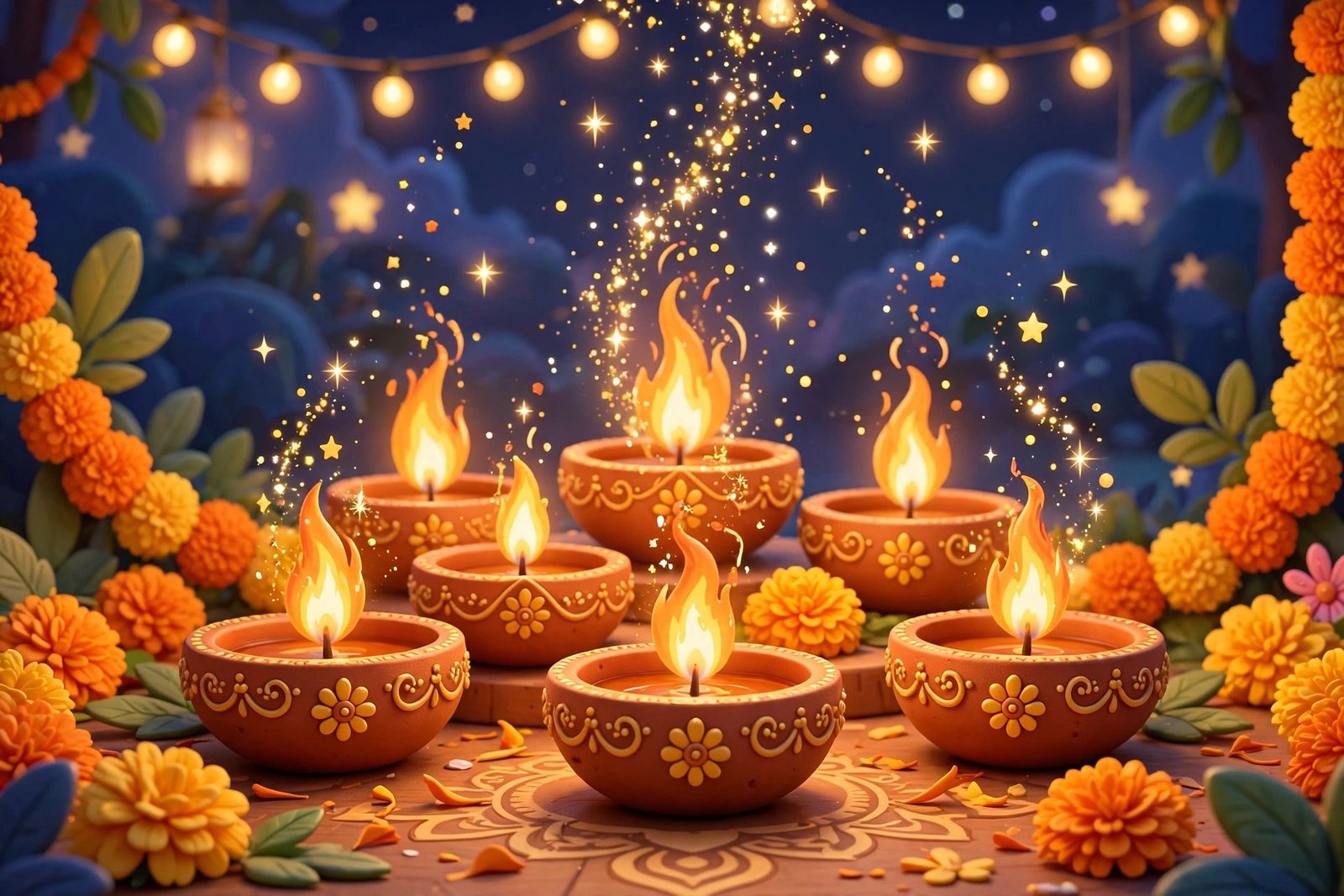
AI Preview, iss prompt se aisa video ban sakta hai
Copy karo ye prompt:
Animate this photo into a magical 3D cartoon video, Pixar-style, vertical 9:16, 8 seconds, no subtitles, no text overlay.

SUBJECT: The festive 3D cartoon scene from the uploaded photo with diyas and decorations. Keep the exact same composition, colors, and arrangement as the photo.

ANIMATION BREAKDOWN:
- 0:00–0:02: The diya flames begin to flicker gently, warm light dancing on nearby surfaces.
- 0:02–0:05: Golden sparkle particles rise slowly from each flame, floating upward like tiny stars. Decorations sway very slightly as if in a soft breeze.
- 0:05–0:08: The flames glow brighter for a beautiful finale moment, sparkles shimmering all around. Warm festive glow fills the frame.

VISUAL STYLE: High-quality 3D animation, Pixar-like rendering, keep the photo's original festive colors, only flames and particles move, everything else stays perfectly still, magical Diwali atmosphere.

AUDIO RULES: Soft festive instrumental music with gentle chime sounds only. No dialogue, no voiceover, no lyrics.

TECHNICAL SPECS: Vertical 9:16 aspect ratio, 8 seconds duration, 24fps, no subtitles, no watermark, no text on screen. Preserve the uploaded photo's composition exactly.
💡 Tips:
1. “Only flames and particles move” likhne se baaki photo hilti nahi, yehi is effect ki khubsurti hai.
2. Diwali se pehle aise videos banao, Diwali special audience ise bahut share karti hai.
3. Shaadi ya Holi ki photos par bhi yehi technique kaam karti hai.
Prompt 4: Product Photo ka 360° Showcase 🛍️🔄
Ye prompt kya karega: Aapke product ki photo ka 3D object dheere-dheere ghoomta hai, jaise kisi ad me dikhta hai. Chhote business walon ke liye ye prompt sone par suhaga hai, bina shoot ke professional product video taiyaar.
Preview:
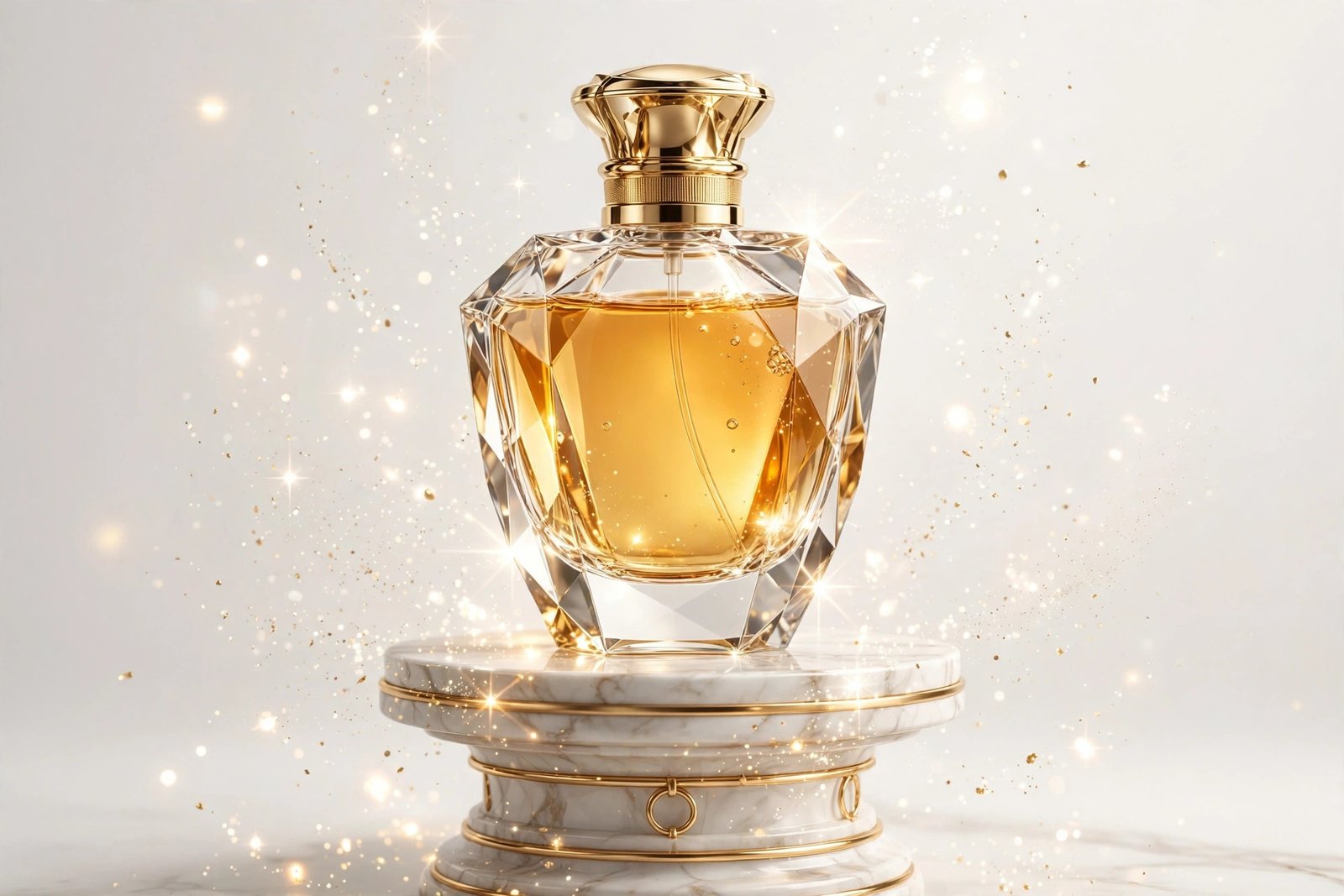
AI Preview, iss prompt se aisa video ban sakta hai
Copy karo ye prompt:
Animate this photo into a professional 3D product video, Pixar-style 3D render look, vertical 9:16, 8 seconds, no subtitles, no text overlay.

SUBJECT: The 3D product object from the uploaded photo. Keep the exact same product design, colors, labels, and details as the photo. Do not redesign the product.

ANIMATION BREAKDOWN:
- 0:00–0:02: The product sits on an elegant pedestal, studio lighting fades in smoothly.
- 0:02–0:06: The product rotates slowly a full 360 degrees, showing every angle. Soft light reflections glide across its surface. Subtle sparkle accents highlight premium details.
- 0:06–0:08: Rotation slows to a stop at the most attractive angle, a soft glow pulse emphasizes the product. Freeze on the hero shot.

VISUAL STYLE: Premium 3D product render, clean studio background, soft professional lighting, smooth flawless rotation, luxurious commercial-ad mood.

AUDIO RULES: Sleek modern ambient music with a soft shine sound on the glow pulse only. No dialogue, no voiceover, no lyrics.

TECHNICAL SPECS: Vertical 9:16 aspect ratio, 8 seconds duration, 24fps, no subtitles, no watermark, no text on screen. Preserve the product's exact design from the photo.
💡 Tips:
1. Product ki photo saade background par lo, AI use aasani se pedestal par bitha dega.
2. Label ka text bigad jaye to photo wali side zyada der dikhao, ghoomne ka angle kam karo.
3. Aise videos WhatsApp Business aur Instagram shop par lagao, sales me farak dikhega.
FAQ
Q1: Photo se video banane ke liye kaun sa tool best hai?
Runway ka image-to-video aur Hailuo is kaam me sabse aage hain. Dono me photo upload karke prompt dalne ka option seedha milta hai.
Q2: Kya kisi ki bhi photo animate kar sakte hain?
Technically haan, lekin bina permission ke kisi aur ki photo animate karke share karna galat hai. Apni ya parivaar ki photo permission ke saath hi use karein.
Q3: Photo ka chehra bigad jata hai to kya karein?
Ye sabse common problem hai. Saaf, seedhi, achchi roshni wali photo use karo aur prompt me “keep the exact same face” zaroor likho. Phir bhi bigde to doosri photo try karo.
Conclusion
To doston, ye the photo se video banane ke 4 best AI prompts, muskurata character, pyaara pet, diye ki lau aur product showcase. Aapki gallery me padi hazaaron photos ab videos ban sakti hain.
Ek pro tip: purani yaadon wali photos ko animate karke emotional videos banao, ye sabse zyada share hote hain. Agli baar YouTube Shorts ke liye in animations ka use karna seekhenge.
Sabse pehle kaun si photo animate karoge? Comment me batayein. 👇