Seoul is two cities in one frame: a 600-year-old palace with curved tile roofs, and a neon street that looks like the future arrived early. That contrast is pure gold for video creators, and it is why Seoul AI video prompts are trending with travel, K-culture and city-night creators alike. The four prompts below capture both sides of Seoul — palace sunsets and hanok mornings on one side, Myeongdong neon and Han River dusk on the other — so your video feels like a real journey through the city instead of a single postcard.
Each prompt is copy-paste ready, with camera movement, lighting and mood written in. Use them for travel reels, K-drama-style edits, YouTube intros, or a neon city montage. If you have ever wanted Seoul to look the way it feels at 9pm on a Friday night, these prompts are the fastest way there.
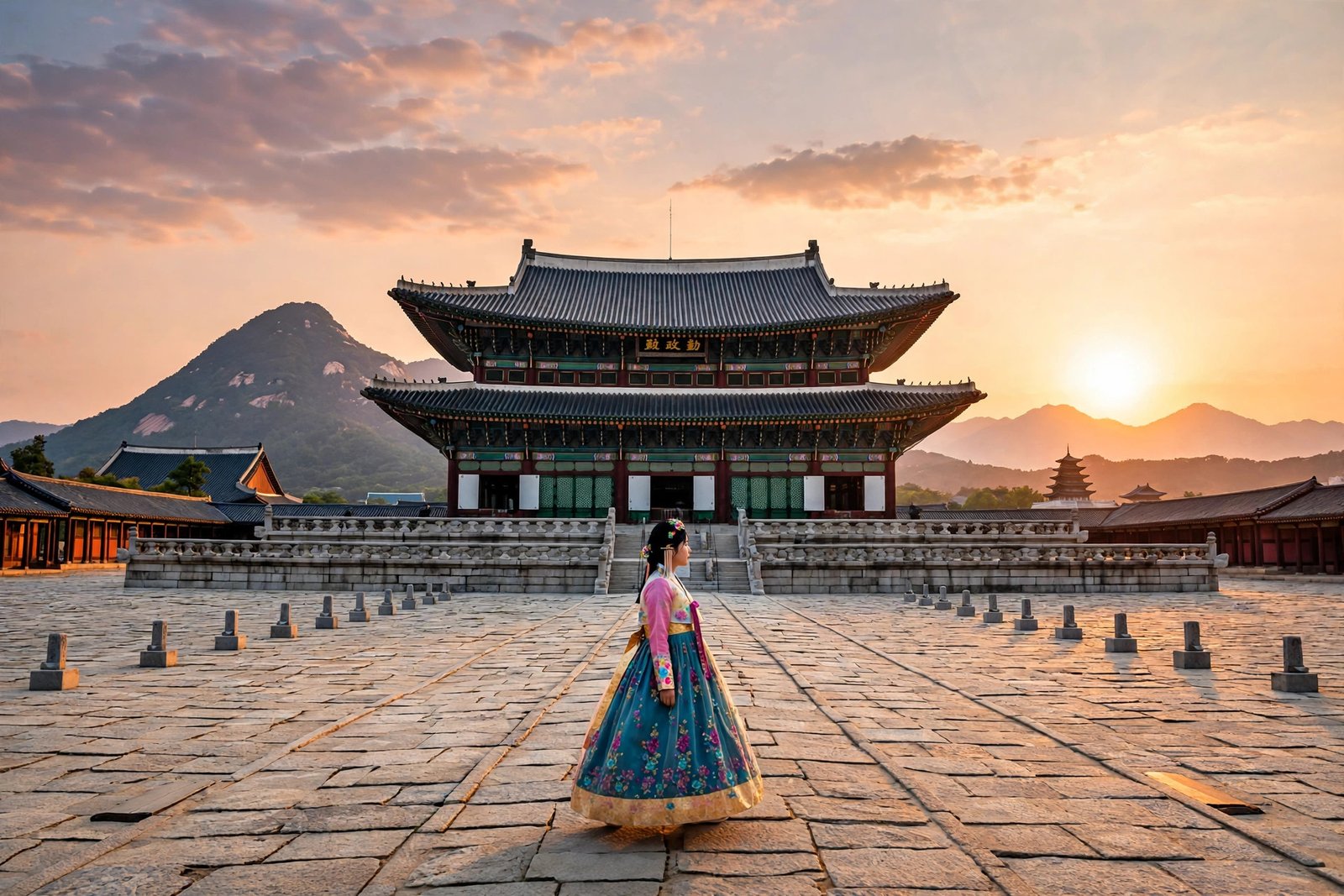
Table of Contents
- Watch Seoul in 4K
- 1. Gyeongbokgung Palace at Sunset
- 2. Myeongdong Neon Night
- 3. Han River at Dusk
- 4. Bukchon Hanok Village Morning
- How to Use These Seoul Prompts
- Frequently Asked Questions
- Conclusion
Watch Seoul in 4K
Watch this 4K HDR evening walk first — it moves from the neon rush of Euljiro and Myeongdong into the quiet, glowing grounds of Deoksugung Palace, which is exactly the contrast the prompts below are built on.
1. Gyeongbokgung Palace at Sunset
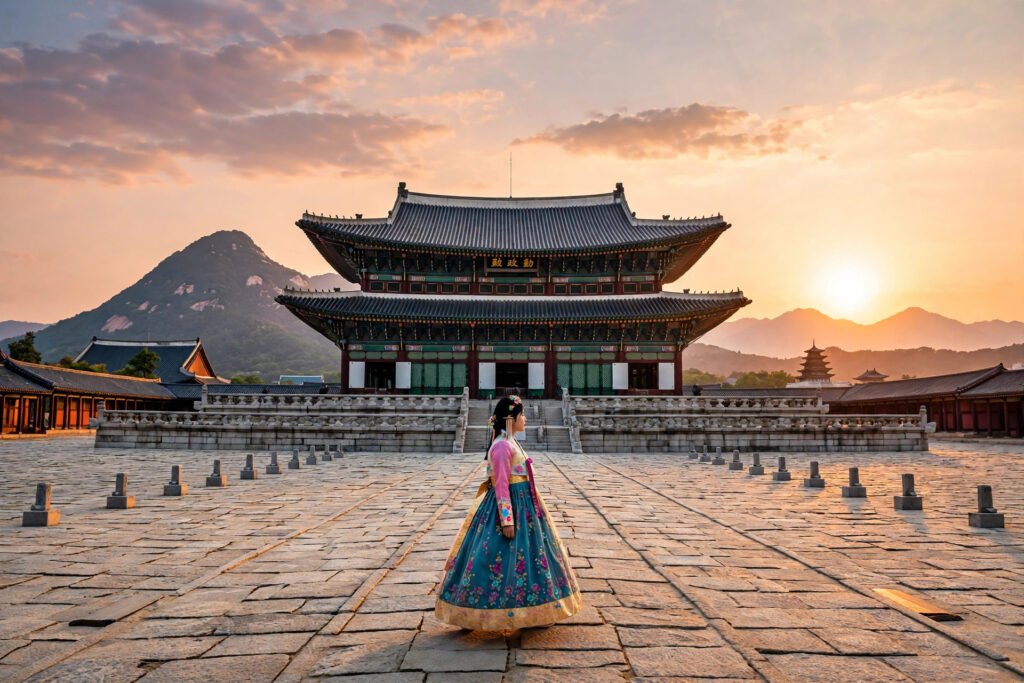
Gyeongbokgung is Seoul’s grandest palace, and at sunset its curved roofs catch fire against the mountains. Add a person in a colourful hanbok walking through the courtyard, and you have a shot that feels both historic and alive — the kind of image that stops thumbs mid-scroll. This is the hero shot of the set, so use it as your opener or your thumbnail clip.
“Cinematic wide shot of Gyeongbokgung Palace in Seoul at sunset, traditional Korean palace roofs with curved eaves glowing in warm golden light, mountains rising behind the palace, a woman in a colourful pink hanbok walking slowly across the stone courtyard, lanterns beginning to glow, slow dolly-in camera movement, majestic and serene atmosphere, photorealistic, 4K, warm colour grading”
Image-prompt idea: Gyeongbokgung Palace at sunset with golden roofs, mountains behind, and a person in a colourful hanbok in the courtyard.
The hanbok is the detail that makes this prompt special — its colour pops against the warm stone and dark roofs. If your generator dresses the figure in modern clothes, repeat “traditional Korean hanbok” and remove any other clothing words. For another Asian palace city in this series, our Kyoto AI video prompts use the same golden-hour temple technique.

2. Myeongdong Neon Night
Myeongdong after dark is Seoul at full volume: neon signs in Hangul, steam rising from street food stalls, crowds with shopping bags, and colour everywhere. This prompt is built for energy — it is the loud, fun, electric opposite of the quiet palace scene, and that contrast is what keeps viewers watching. Use it for K-culture edits, food reels, shopping vlogs, or any video that needs a jolt of city life.
“Vibrant cinematic night scene on Myeongdong shopping street in Seoul, bright neon signs in Korean glowing pink, blue and yellow, crowds of shoppers with bags, street food stalls with steam rising from hotteok and tteokbokki, wet pavement reflecting the neon, slow tracking shot moving through the crowd, energetic and electric atmosphere, photorealistic, 4K, neon colour grading”
Image-prompt idea: Myeongdong street at night with neon Korean signs, food stalls steaming, and crowds reflected on wet pavement.
Neon prompts fail when the signs turn into gibberish shapes, so keep the sign text vague — “neon signs in Korean” rather than asking for specific words. The wet pavement is a deliberate trick: it doubles the neon for free. If the crowd looks chaotic, add “shoppers walking calmly” to slow the scene down. For more neon city nights, try our Tokyo AI video prompts next.
3. Han River at Dusk
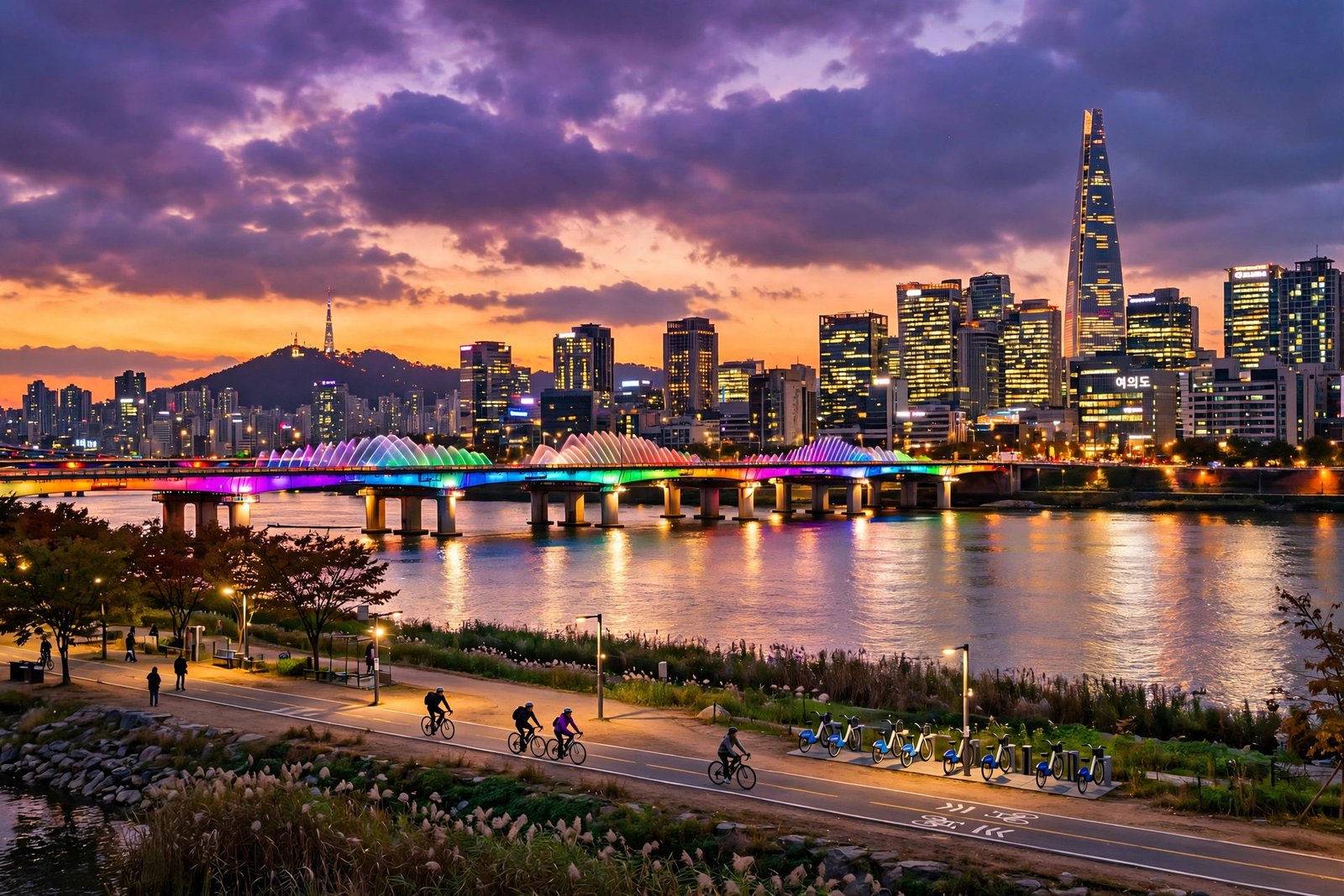
The Han River is where Seoul breathes out. At dusk, the skyline lights up across the water, bridges glow in colour, and cyclists roll along the riverside path. This prompt is the calm, wide, cinematic heart of the set — perfect as a transition scene between the palace and the neon street, or as a relaxing closing shot for a full Seoul video.
“Sweeping cinematic shot of the Han River in Seoul at dusk, modern skyscraper skyline with lights turning on across the water, a bridge glowing with colourful rainbow lights, cyclists riding along the riverside path, purple and orange twilight sky reflected in the calm river, slow aerial drone shot gliding above the water, peaceful and modern atmosphere, photorealistic, 4K”
Image-prompt idea: The Han River at dusk with a glowing bridge, city skyline and cyclists on the riverside path under a purple-orange sky.
Wide river shots need a clear foreground, middle and background — here that is the path, the river, and the skyline. If the model flattens the scene, add “layered depth” or name the bridge lights explicitly. Dusk is a short window in real life, but in AI video you can hold it forever, so let this clip run a full 10 seconds.

4. Bukchon Hanok Village Morning
Bukchon is the Seoul that tourists dream about: sloping lanes of traditional hanok houses with curved tile roofs, and the modern N Seoul Tower peeking over the rooftops in the distance. A quiet morning there feels like time travel, and this prompt captures it — soft light, empty lanes, and the old and new city in a single frame.
“Charming cinematic morning scene in Bukchon Hanok Village in Seoul, traditional Korean hanok houses with curved grey tile roofs along a quiet sloping stone lane, soft golden morning light, a few red lanterns hanging by a wooden gate, modern N Seoul Tower visible in the far distance, gentle slow push-in camera movement, peaceful and nostalgic atmosphere, photorealistic, 4K, warm colour grading”
Image-prompt idea: Bukchon Hanok Village in the morning with traditional tiled roofs along a quiet lane and N Seoul Tower in the distance.
The power of this prompt is the single modern detail — the tower in the distance. Without it, the scene could be any old village; with it, the viewer knows this is Seoul. Keep the lane empty or nearly empty; Bukchon is a residential area, and a quiet frame is both more accurate and more beautiful. For rainy neon nights in a similar style, try a night city rain video prompt as a companion to this set.
How to Use These Seoul Prompts
Start with the palace sunset — it is the most iconic image and the easiest to get right. Then generate the Myeongdong neon scene, which tests your tool’s handling of crowds and colour; Google Veo and Runway both handle neon and night light well. The Han River dusk works as a natural bridge between the two moods, and the Bukchon morning makes a gentle, memorable ending.
For the edit, follow a simple arc: old Seoul (palace, hanok) into new Seoul (neon, river skyline), or the reverse — neon first, palace last, so the video ends on calm. Either way, keep the cuts on the beat if you add music, and let the Han River clip run longest, since wide shots need time to land. Export vertical 9:16 for reels and Shorts, horizontal 16:9 for YouTube.

As a bonus fifth scene, try N Seoul Tower at night — the tower above a sea of city lights, with love locks on the terrace railing in the foreground. It is the classic Seoul postcard shot and a strong closer for any Seoul reel. Pika is a fast option for this kind of single-landmark night scene.
- Generate the palace sunset first — it is the most iconic and forgiving.
- Keep neon sign text vague so the model does not produce gibberish lettering.
- Use the Han River clip as a bridge between old-Seoul and new-Seoul scenes.
- Let wide shots run 10 seconds — they need time to land.
- Export vertical for reels, horizontal for YouTube.
Frequently Asked Questions
Can I use these Seoul AI video prompts for free?
Yes, the prompts are free to copy and use. You need an account with an AI video generator, and most tools offer free credits to start. Free plans may add a watermark or limit resolution, so check the plan before using clips commercially.
Which AI video tool is best for Seoul neon scenes?
Google Veo and Runway handle neon light and night crowds well, while Pika is faster for quick social clips. Try the Myeongdong prompt in two tools and keep the one with the cleanest, most readable neon signs.
Why do Korean signs in my videos look like random symbols?
AI video models still struggle with accurate Hangul text. The fix is to avoid asking for readable words — write “neon signs in Korean” and let the model suggest shapes. Keep signs in the background and the people or food in focus, and nobody will notice.
Can I wear a hanbok in Gyeongbokgung Palace in real life?
Yes — visitors wearing a hanbok get free entry to Gyeongbokgung and the other main palaces in Seoul, and rental shops line the streets nearby. It is a popular real experience, and it is why the hanbok detail in the first prompt looks so natural.
Can I monetise videos made with these prompts?
Usually yes on a paid plan, but it depends on the tool’s licence. Paid plans on most major tools include commercial use; free plans often do not. Read the terms of the tool you used before monetising.
How long should a Seoul travel reel be?
Thirty to forty-five seconds works best: four clips of 8–10 seconds each. Open with the palace, hit the neon energy in the middle, and close on the Han River or Bukchon morning for a calm finish.
Conclusion
Seoul is a city that refuses to choose between its past and its future — and that is what makes it so watchable. With these four Seoul AI video prompts — a palace glowing at sunset, a neon street buzzing at night, a river skyline at dusk, and a hanok village waking up in the morning — you can show both Seouls in a single reel. Copy the prompts, generate them in order, and let the contrast do the storytelling. Seoul is waiting, neon and palace alike.