Venice Canals Gondola AI Video Prompts: Turn Italy’s Floating City Into Viral Videos
A black gondola gliding under an old stone bridge, golden light dancing on the water, palaces rising straight out of the canal — Venice canals gondola AI video prompts are some of the most romantic travel prompts you can use right now. You do not need a flight to Italy, a gondolier, or a camera crew. With one well-written prompt, tools like Google Veo 3, Runway, Kling, and Sora can generate a cinematic Venice clip in under a minute, ready for YouTube Shorts, Instagram Reels, or TikTok.
In this post, you will get four copy-paste-ready Venice canals gondola AI video prompts, each built around a different iconic scene: a gondola gliding under the Rialto Bridge at golden hour, a sunset over the Grand Canal with palaces reflecting in the water, a quiet hidden side canal in Cannaregio with laundry lines and flower balconies, and a dreamy blue-hour night scene around St Mark’s Basin. Every prompt includes camera movement, lighting, mood, and format settings, so your video looks like it was shot by a professional travel filmmaker — not generated by a machine.
Venice works so well for AI video because the city is visually simple and instantly recognisable. The long canals, the arched bridges, the striped-shirt gondolier, and the warm sunset light give AI models very clear visual anchors. That is why Venice clips consistently outperform generic city videos on Shorts and Reels: viewers recognise the place in the first second, and they stay to watch the gondola glide by.
The facts behind the scenes are just as romantic as the pictures. The Grand Canal, Venice’s main waterway, is about 3.8 km long and curves through the heart of the city like a reversed S, lined with grand palaces. The Rialto Bridge is the oldest bridge over the Grand Canal, and its single stone arch has been a symbol of Venice for centuries. A traditional gondola ride is not cheap — the official tariff is approximately €90 for 30 minutes in the daytime and around €110 in the evening, though you should always check current rates before you travel — which is exactly why so many people love watching gondola videos instead. At the water’s edge stand St Mark’s Basilica and the Doge’s Palace, two of the most famous buildings in Italy, while the humble traghetto — a shared gondola ferry — carries locals across the Grand Canal for a fraction of the price. The best light for filming is at sunrise and sunset, when the water turns gold, and the quietest canals are found in the residential districts of Cannaregio and Dorsoduro, far from the crowds of St Mark’s Square.
Table of Contents
- Why Venice Videos Go Viral on Shorts and Reels
- How to Use These Venice Canals Gondola AI Video Prompts
- Prompt 1: Gondola Under the Rialto Bridge at Golden Hour
- Prompt 2: Sunset Over the Grand Canal
- Prompt 3: Hidden Side Canal in Cannaregio
- Prompt 4: Venice at Blue Hour
- Watch Real Venice Footage for Inspiration
- Pro Tips for Better Venice AI Videos
- Frequently Asked Questions
- Conclusion
Why Venice Videos Go Viral on Shorts and Reels
Travel content is one of the highest-performing niches on short-form video, and Venice sits near the very top of it. The city’s canals appear in millions of photos every year, which means audiences already carry an emotional connection to the place before your video even starts. When someone scrolling sees a gondola and a stone bridge, their brain instantly says “Venice” — and that instant recognition is what stops the scroll.
AI video tools have also become very good at Venice scenes. Models like Veo 3 and Sora have seen countless images of the city during training, so they render the canals, the bridges, and the palaces with surprising accuracy. Slow water-level shots, in particular, look remarkably realistic because the geometry of a canal is simple and forgiving: two walls of buildings, a strip of water, and a boat in the middle. Add golden-hour lighting and slow camera movement, and most viewers will never guess the clip was generated.
There is also a practical advantage: Venice content works all year round. Golden-hour gondola clips perform in summer, misty morning canals perform in winter, and “dream destination” compilations perform whenever someone is planning a holiday. If you are building a travel channel, a set of Venice canals gondola AI video prompts is one of the smartest assets you can create, because one good prompt can produce dozens of variations — different times of day, different bridges, different moods — from the same core idea. For a detailed look at the city’s main waterway, the Grand Canal Venice guide covers the vaporetto, gondolas, and the landmarks along the route, which will help you pick authentic details for your own prompts.
How to Use These Venice Canals Gondola AI Video Prompts
Using these prompts is simple, but a few settings make a big difference. First, always set your aspect ratio before generating: use 9:16 vertical (1080 x 1920) for YouTube Shorts, Reels, and TikTok, and 16:9 horizontal for long-form YouTube videos. Second, keep your clips short — 8 to 15 seconds is the sweet spot for short-form, because it matches the natural length of a single AI generation and holds attention perfectly.
Third, generate the same prompt two or three times and pick the best take. AI video is still partly luck: one generation will have perfect water movement, the next will have a strange bridge. Keep the winner, discard the rest. Finally, add trending travel or romantic audio and a simple caption like “POV: you are floating through Venice” — the combination of a beautiful clip and a relatable caption is what drives shares and saves.
If you are new to text-to-video tools, start with a guide to proven text-to-video prompts for YouTube Shorts to understand how tools like Veo 3, Runway, and Kling handle camera movement differently. For inspiration on what realistic AI video can look like, the famous realistic AI video examples from Sora show exactly how a single sentence can produce a breathtaking cinematic shot.
Prompt 1: Gondola Under the Rialto Bridge at Golden Hour
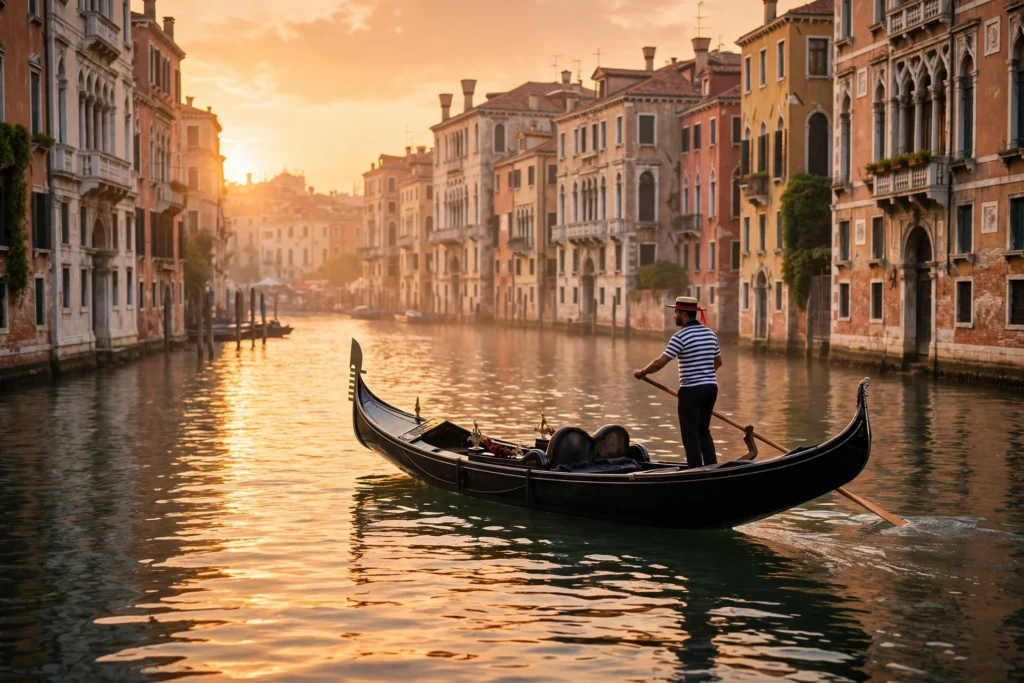
This is the signature Venice shot — the one that appears on every postcard. A gondola gliding slowly under the Rialto Bridge, the oldest bridge over the Grand Canal, as the evening light turns the water gold, is the single most recognisable romantic image in Italy. Use this prompt as your channel’s hero clip, your first Short, or the opening shot of an Italy travel compilation.
Cinematic 10-second vertical video of a black gondola gliding under the Rialto Bridge in Venice, Italy at golden hour. A gondolier in a striped shirt rows slowly as the gondola passes beneath the historic stone arch, warm golden sunlight shimmering on the Grand Canal water and glowing on the old palaces along the banks. A couple sits together in the gondola, enjoying the ride. Slow cinematic camera tracking shot following the gondola, romantic and dreamy mood, warm gold and soft orange tones, photorealistic, 4K quality. 9:16 aspect ratio, 10 seconds, no text, no watermark.Image-prompt idea: “Black gondola passing under the Rialto Bridge in Venice at golden hour, gondolier in a striped shirt rowing, warm sunlight on the Grand Canal water, historic stone arch, photorealistic travel photography.”
Why it works: The prompt gives the model a clear camera move (a slow tracking shot following the gondola), a clear time of day (golden hour), and a clear colour palette (warm gold and soft orange). AI video models perform best when they have one subject, one movement, and one light source — and this prompt has exactly that. The Rialto Bridge also acts as a strong visual anchor that viewers recognise instantly. For more old-town atmosphere, see our bustling old town market AI video prompts, which use the same golden-hour techniques in a lively street setting.

Prompt 2: Sunset Over the Grand Canal
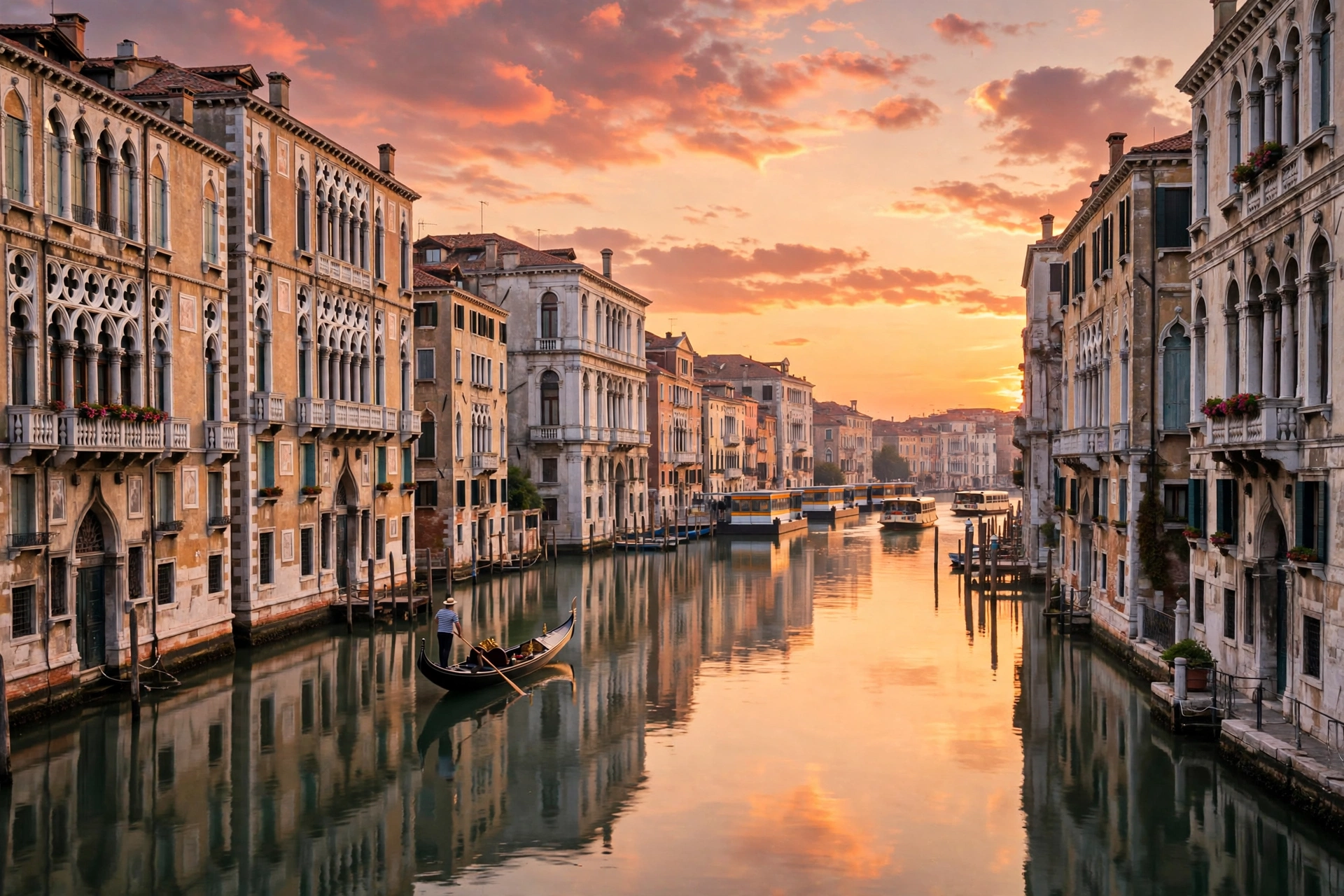
Nothing says Venice like a sunset over the Grand Canal. This prompt creates a slow, romantic scene of palaces reflecting in calm water as the sky turns orange and pink, with a gondola drifting through the frame. It is perfect for honeymoon content, couple travel Reels, and “golden hour” compilations — and it pairs beautifully with soft piano or lo-fi music.
Romantic 10-second cinematic video of sunset over the Grand Canal in Venice, Italy. Elegant historic palaces line both banks, their facades glowing in the last light and reflecting in the calm golden water. A black gondola drifts slowly across the frame as the sky turns deep orange, pink, and purple. The camera slowly pushes in toward the sunset, capturing the long golden reflection on the water. Peaceful and dreamy mood, warm sunset colours, photorealistic, 4K quality. 9:16 aspect ratio, 10 seconds, no text, no watermark.Image-prompt idea: “Grand Canal in Venice at sunset, elegant palaces reflecting in calm golden water, gondola drifting, orange and pink sky, romantic light, photorealistic travel photography.”
Why it works: Water reflections are one of the hardest things for AI video to render — and also one of the most beautiful when done right. This prompt keeps the water calm and the gondola slow, which gives the model an easy, stable scene. The palaces on both sides frame the shot naturally, so the composition holds together even if small details shift. If your first generation looks wobbly, regenerate with the words “calm water, gentle motion” added. Sunset-on-water techniques also appear in our rainy day cafe window AI video prompts, where the same warm, reflective light sets a cosy mood.
Prompt 3: Hidden Side Canal in Cannaregio
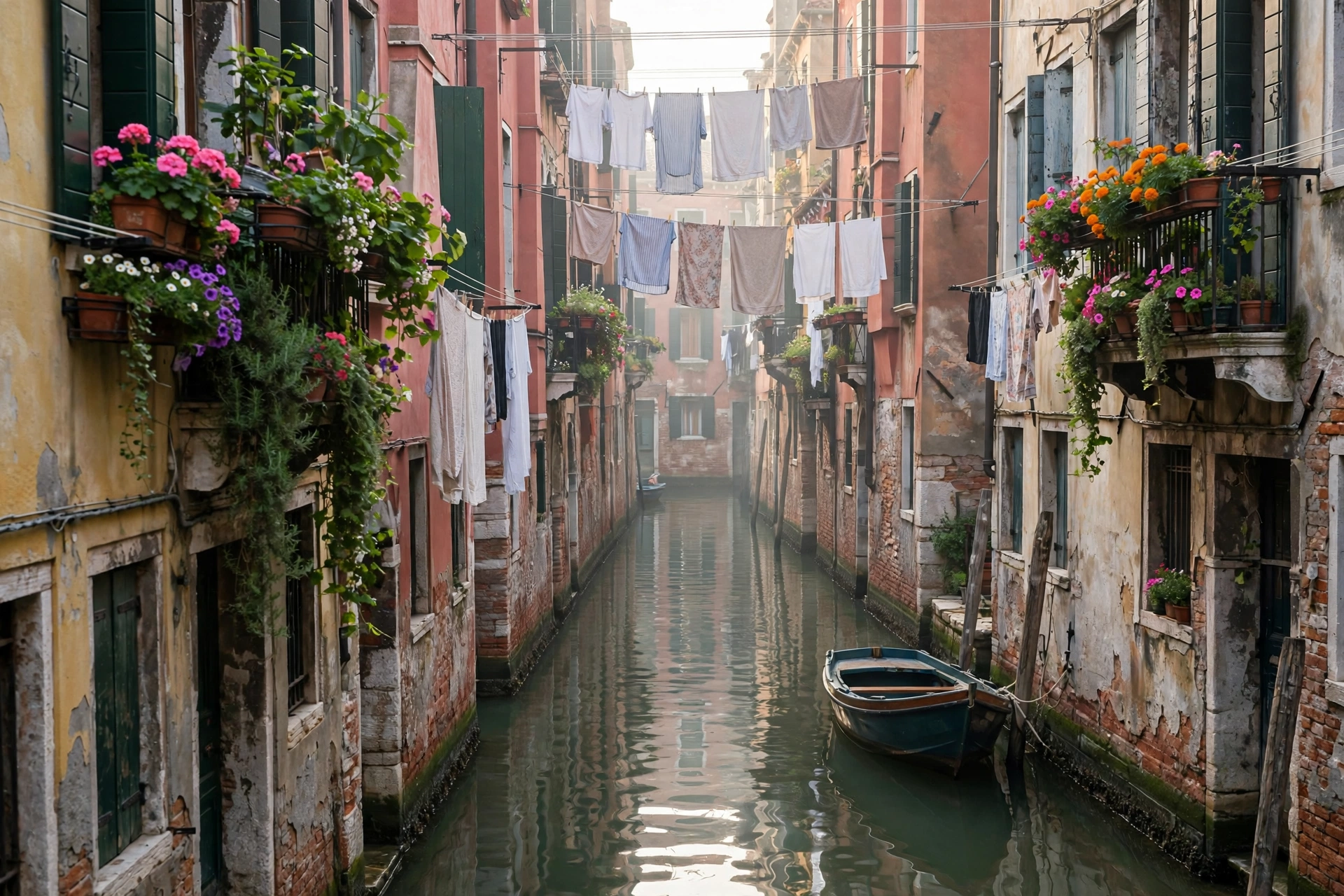
Not every Venice video needs the Grand Canal. This ground-level prompt captures the quiet, local side of the city: a narrow side canal in Cannaregio, laundry lines strung between old houses, flower-filled balconies, and a small boat moored by a worn stone step. It feels personal and real, like a memory from an actual morning walk — and that authenticity is exactly what makes viewers save and share it.
Charming 8-second vertical video of a quiet hidden side canal in Cannaregio, Venice, Italy in the soft morning light. A narrow waterway runs between old colourful houses, laundry lines strung across the canal, flower-filled balconies, and a small wooden boat moored beside a worn stone step. The camera moves slowly forward along the canal as gentle ripples shimmer on the water. Quiet, peaceful, authentic local mood, warm natural colours, photorealistic, 4K quality. 9:16 aspect ratio, 8 seconds, no text, no watermark.Image-prompt idea: “Quiet hidden side canal in Cannaregio Venice, narrow waterway between old colourful houses, laundry lines, flower balconies, small moored boat, soft morning light, photorealistic travel photography.”
Why it works: Small, contained scenes are the most reliable AI generations. There is one canal, one camera move, and one boat — very little for the model to get wrong. The laundry lines and flowers add human, lived-in detail that makes the scene feel real rather than postcard-perfect. This is the prompt to use when you want your channel to stand out from the hundreds of Rialto Bridge clips: the hidden canals of Cannaregio and Dorsoduro are where the real Venice lives.
Prompt 4: Venice at Blue Hour
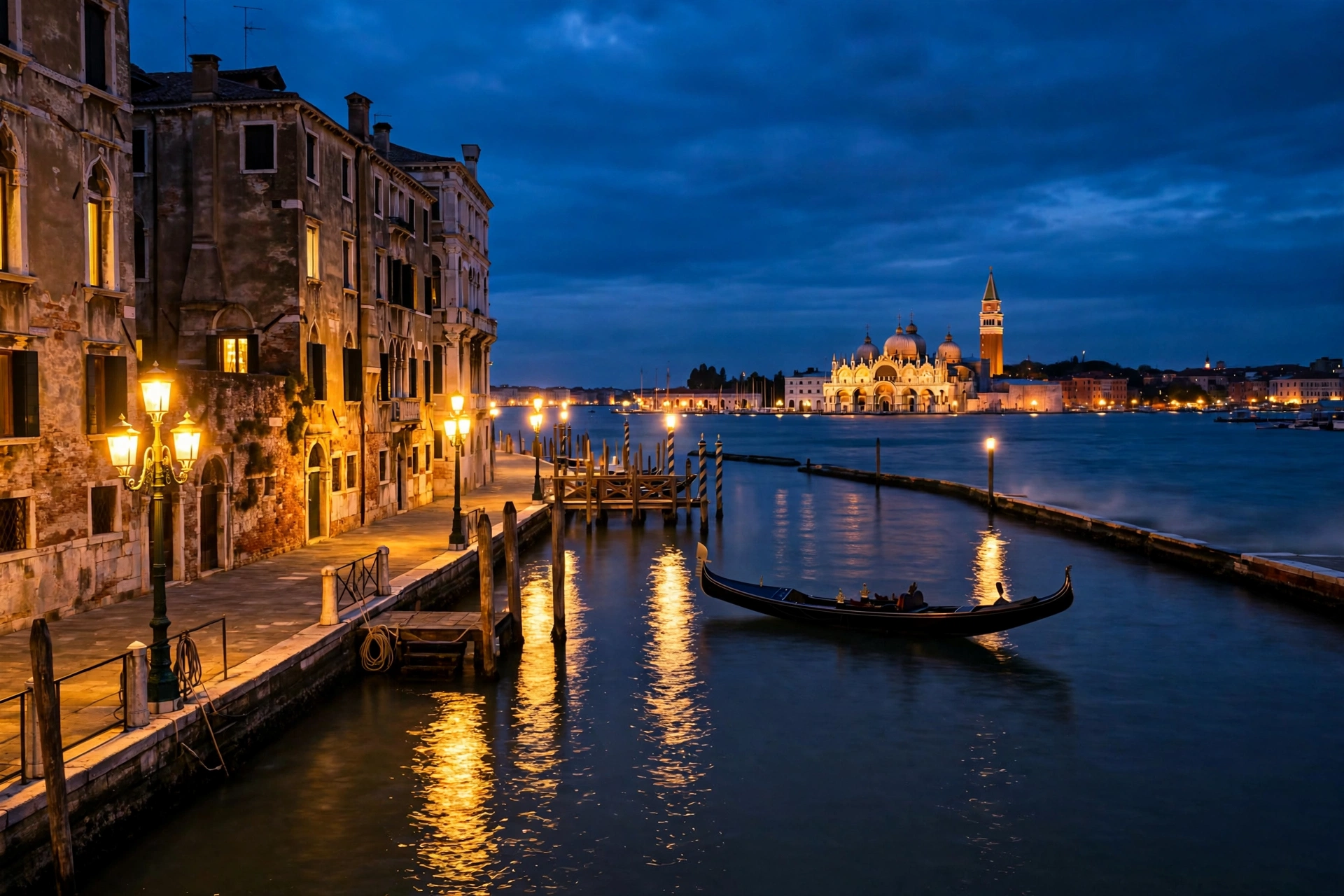
Blue hour — the twenty minutes after sunset — is when Venice looks most magical. The sky turns deep blue, the first stars appear, golden lamps glow along the canals, and the domes of St Mark’s Basilica rise over St Mark’s Basin. This prompt creates a slow, dreamy night scene, perfect for “good night from Venice” posts and relaxing travel compilations.
Dreamy 10-second cinematic video of Venice, Italy at blue hour. Deep blue twilight sky with the first stars appearing, warm golden lamps glowing along a quiet canal and reflecting on the dark water, a black gondola floating gently near St Mark's Basin with the domes of St Mark's Basilica in the distance. The camera slowly glides forward along the canal as the city lights twinkle. Magical, peaceful night mood, rich blue and warm gold tones, photorealistic, 4K quality. 9:16 aspect ratio, 10 seconds, no text, no watermark.Image-prompt idea: “Venice at blue hour at night, glowing golden lamps along a canal, warm lights reflecting on dark water, St Mark’s Basilica domes in the distance, deep blue twilight sky, photorealistic night travel photography.”
Why it works: Night scenes hide small AI imperfections because the low light softens details. The slow forward glide is also very forgiving: the model only needs to keep one canal in frame. The contrast between the deep blue sky and the warm lamp light gives the clip a cinematic colour palette that stands out in a feed full of bright daytime videos. This is a great “last prompt of the day” for your channel — post it in the evening, when your audience is relaxing and dreaming about holidays. If you like glowing evening scenes, our night city rain AI video prompts use the same blue-and-gold night techniques in a completely different setting.
Watch Real Venice Footage for Inspiration
Before you generate, watch how real filmmakers shoot Venice. Notice the slow water-level camera movements, the way the camera lingers on the gondolas, and how the sunset is always the star of the scene. Study the pacing, then copy that pacing into your prompts. This 4K romantic journey through Venice is a perfect reference:
Pro Tips for Better Venice AI Videos
First, always mention the camera movement in your prompt. “Slow tracking shot”, “gentle push-in”, and “slow glide” produce far better results than a static description, because they tell the model how the scene should feel over time. Second, name the colours: “warm gold and soft orange” or “rich blue and warm gold” gives the model a palette to hold on to, which keeps the generation consistent from the first frame to the last.
Third, avoid overloading one prompt with too many elements. A prompt with a gondola, a bridge, a market, a cat, and a sunset will confuse the model and produce a messy clip. One scene, one subject, one camera move — that is the rule that separates professional-looking AI video from obvious AI video. And finally, keep a consistent style across your Venice series: same aspect ratio, same golden-hour light, same slow camera speed. Consistency is what turns four random clips into a recognisable channel. Remember the real Venice too: the best light comes at sunrise and sunset, and the quiet side canals of Cannaregio and Dorsoduro will always look more authentic than the crowded spots around St Mark’s Square.
Frequently Asked Questions
Can I use Venice canals gondola AI video prompts for YouTube Shorts?
Yes. All four prompts in this post are written for 9:16 vertical format, which is exactly what YouTube Shorts, Instagram Reels, and TikTok need. Generate at 1080 x 1920, add trending travel audio, and post with a caption like “POV: floating through Venice in a gondola”.
Which AI video tool works best for Venice canal scenes?
Google Veo 3 (through Flow) currently gives the most realistic water, light, and gondola movement for Venice scenes. Runway Gen-4 offers the best camera control, Kling handles smooth motion well, and Sora produces very cinematic wide shots. Try the same prompt in two tools and keep the better result.
Are AI-generated Venice videos allowed on YouTube and Instagram?
Yes, AI-generated travel videos are allowed, but both platforms want transparency. YouTube asks you to mark AI-generated content in the upload settings, and Instagram has a similar label. Add the label, avoid claiming the footage is a real gondola ride you filmed yourself, and you are safe.
How do I make my Venice AI video look less like AI?
Use slow camera movements, keep the scene simple, and add a subtle film grain or colour grade in editing. Avoid fast motion and crowded scenes, which are where AI artifacts show up most. A short, calm clip with natural light will fool almost everyone.
Can I monetise Venice AI travel videos?
Yes, if you add original value: your own voiceover, editing, storytelling, or a unique series format. Pure unedited AI clips with no added creativity are harder to monetise. Build a series — “One Italian city a week” — with your own narration, and the channel becomes a real brand.
How much does a real gondola ride in Venice cost?
The official gondola tariff is approximately €90 for a 30-minute daytime ride and around €110 in the evening, but rates can change, so always check current prices before you travel. If that is out of budget, the traghetto — a shared gondola ferry across the Grand Canal — costs only a few euros and gives you the same feeling of gliding on the water.
Conclusion
These four Venice canals gondola AI video prompts give you everything you need to start a beautiful travel video series without leaving your desk: the gondola under the Rialto Bridge at golden hour, the romantic sunset over the Grand Canal, the hidden side canal in Cannaregio, and the magical blue-hour night scene around St Mark’s Basin. Copy a prompt, paste it into Veo 3, Runway, Kling, or Sora, and you will have a scroll-stopping Venice clip in under a minute.
The real secret is consistency. Post one Venice clip a day for a week, keep the same golden-hour style, and watch which scene your audience loves most. Then make more of that scene — different bridges, different times of day, different moods — until Venice becomes your channel’s signature. The floating city has inspired travellers for centuries; now it can inspire your audience too, one AI video at a time.